Ultima User Guide (c) Copyright by PaxeraHealth Corp. 2021
4.0.0. Manage Studies
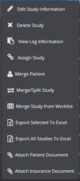
In this section you will learn how to edit the study information; delete a study; view study log information; assign a study to another user or group; merge patient or study; and mark study.
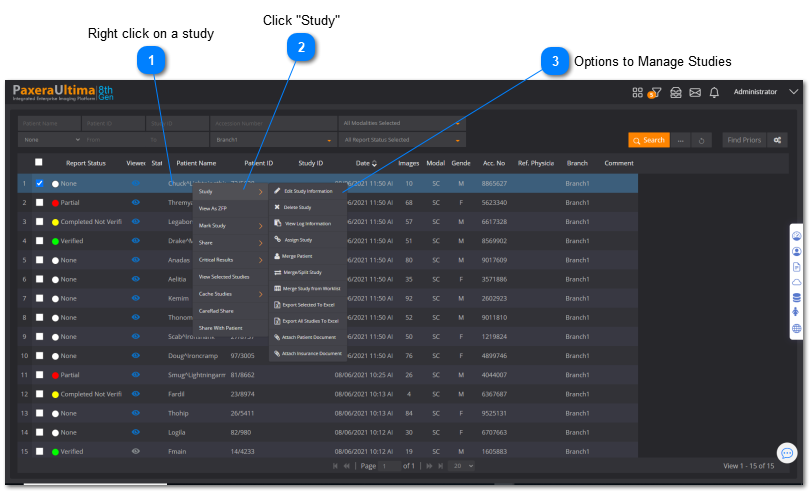
Right click on any of the columns from the study of interest and then click on 'Study' from the dropdown menu.
Right click on a study
Right click on any study of interest from the worklist - ensure that only one study is selected