Ultima User Guide (c) Copyright by PaxeraHealth Corp. 2021
18.0.0. WorkList Settings
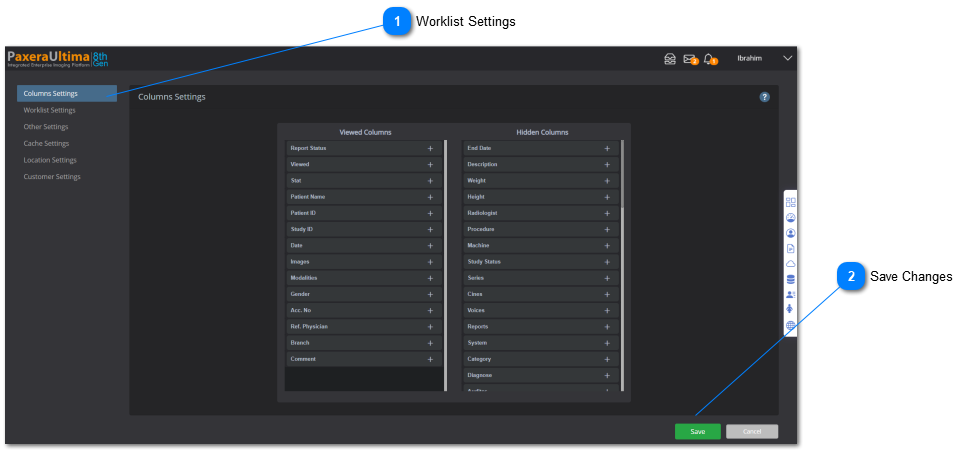
The user can access and control the worklist settings. This includes settings for the column browser, color mapped studies, loading worklists, sorting worklist, and others.
To access the worklist settings, follow the instructions below:
Worklist Settings
You can choose from any of these sections to customize your worklist. Expand each section by clicking on it.