Ultima360
User guide
×
Menu
Index

18.4.0. Caching Studies

 
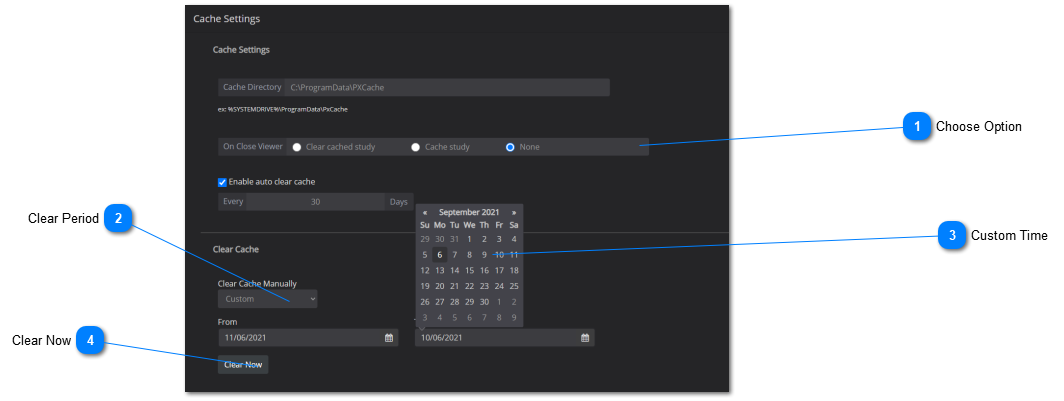
The user can cache studies onto a directory and clear cached items after a certain amount of time. See instructions below:
 
18.4.0. Caching Studies
1

Choose Option

1. Choose Option
Select a cache option between enable clear upon close or enable auto clear cache after a certain number of days. You must enter the number of days for the second option.
2

Clear Period

2. Clear Period
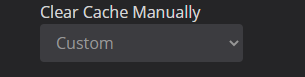
Use the drop-down menu to choose how often the cache should be cleared. You can choose a defined timeframe or a customized time period.
3

Custom Time

3. Custom Time
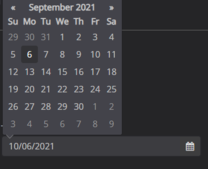
Click inside the 'From' and 'To' box to create a custom time period for when the cache should be cleared.
4

Clear Now

4. Clear Now
Click 'Clear Now' to clear the cache immediately.
 
 
Save Changes: make sure to click on 'Save' to save your worklist settings.