Ultima User Guide (c) Copyright by PaxeraHealth Corp. 2021
19.1.0. Settings
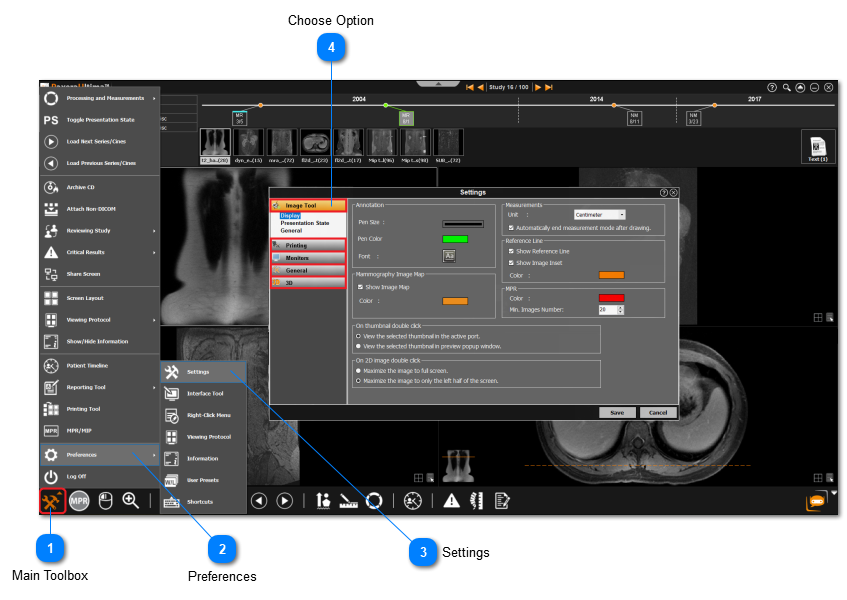
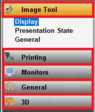
This 'Settings' option from the 'Preferences' menu enables the user to edit the image tool, printing settings, monitors settings, general settings, and 3D settings. To access these tools, follow the instructions below:
Main Toolbox
Click on the Main Toolbox on the bottom left corner.