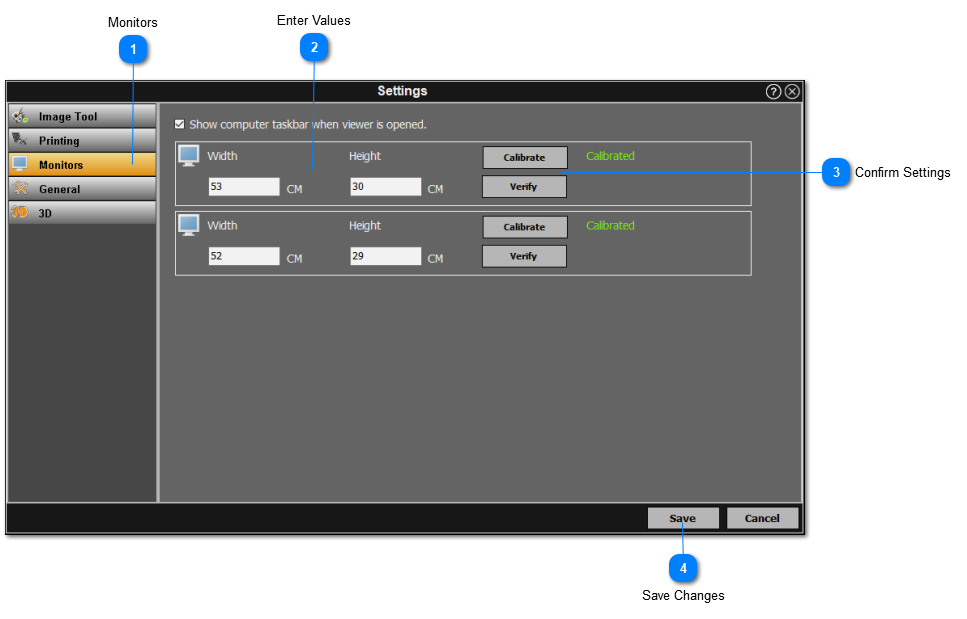
The user can edit the monitor settings, see below for more information:
 MonitorsClick on the 'Monitors' section from the left panel and a list of connected monitors will be displayed.
|
|
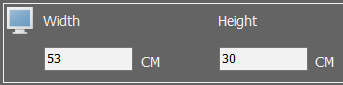
 Enter ValuesEnter the width and height in centimeters of each monitor.
|
|
 Confirm SettingsCalibrate and verify each monitor respectively. The user can verify the monitor which will automatically calibrate the monitor.
|
|
 Save ChangesClick on the ‘Save’ button once all the monitors have been verified and the correct display is shown.
|
|