19.1.5. 3D Viewer Settings
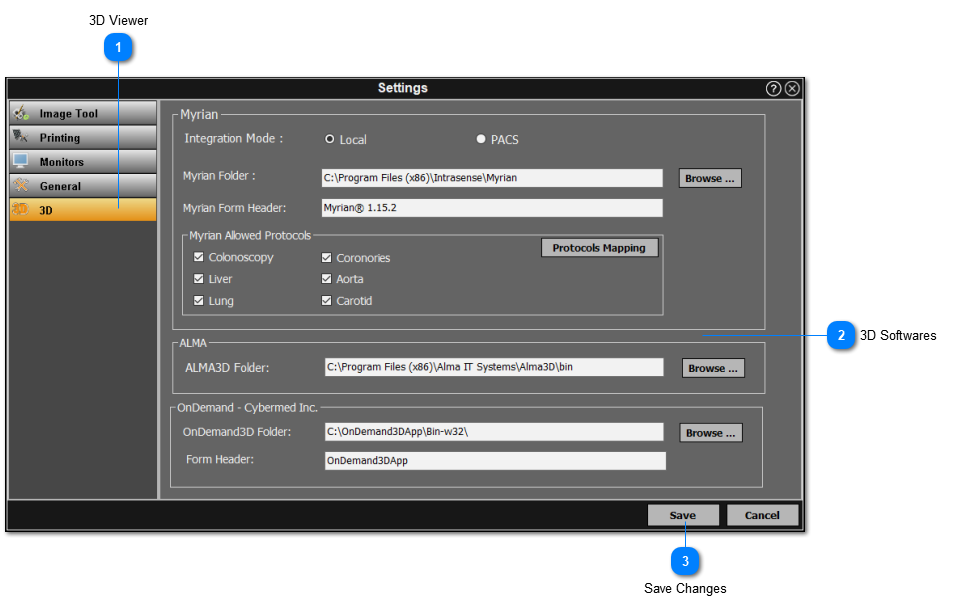
The 3D screen settings enables the user to adjust the settings of the 3D viewer. Simply follow the instructions below:
-
Click on the '3D' section from the left panel.
-
For each 3D software, click on the browse button to search for the location of the external 3D module. Select appropriate protocols if necessary.
-
Click 'Save' once all changes have been made.