Ultima User Guide (c) Copyright by PaxeraHealth Corp. 2021
19.3.0. Viewing Protocols
The viewing protocol (VP) settings enable the user to access all the existing viewing protocols along with options to modify, add, or remove a viewing protocol per modality. This allows the user to choose the way in which studies are viewed.
VPs have the following selection criteria:
Screen
User
Modality
Priors (& description for priors)
To access the VP preferences, follow the instructions below:
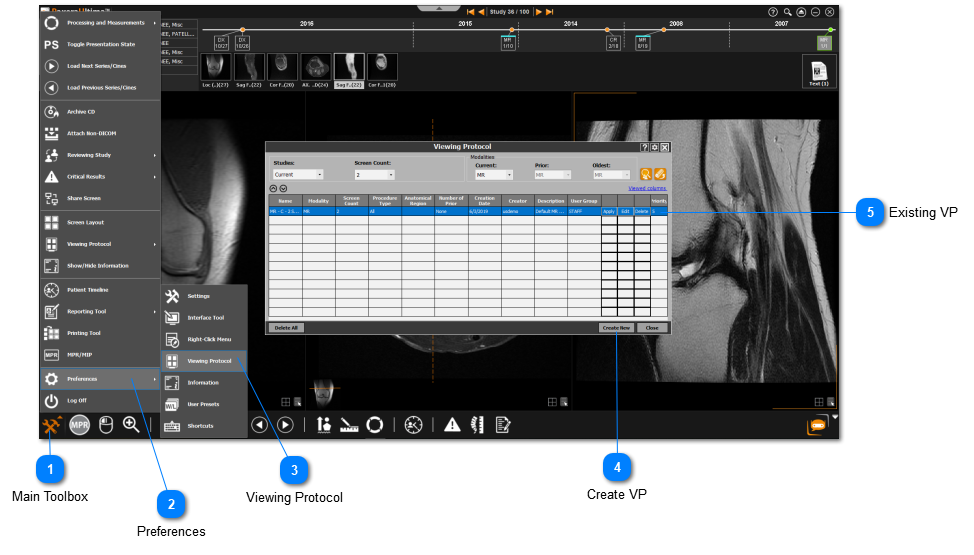
Click on the main toolbox from the bottom left corner.
Select 'Preferences' from the drop-down menu.
Select 'Viewing Protocol' from the Preferences menu.
The viewing protocol menu will display where you can choose the following parameters:
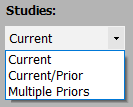
Choose whether you are viewing the current (1 study), current & most recent prior (2 studies), or current & multiple priors (2+ studies).
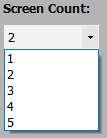
Choose the number of monitors of your viewing station.
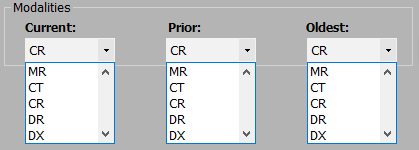
Choose the modality types for viewing multiple studies (priors).
You can create a new VP or apply / edit / delete an existing VP.
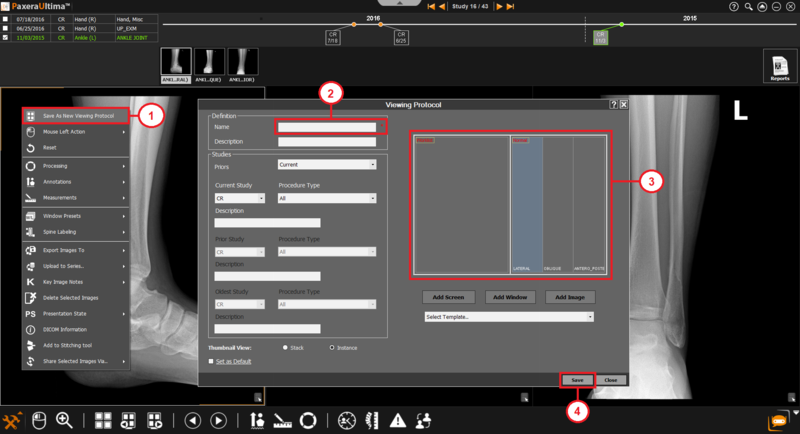
Save As New Viewing Protocol:
The user can adjust the viewing protocol to the desired format using the 'Screen Layout' tool in the main viewer. Then right-click anywhere on the viewer and select ‘Save As New Viewing Protocol’.
The viewing protocol menu will appear with the preview box already filled according to your desired format. Give the viewing protocol a name and click 'Save' after you have confirmed everything.