Ultima User Guide (c) Copyright by PaxeraHealth Corp. 2021
12.2.0. Reports
The dashboard report tool enables the user to view the facilities' operational measures in the form of graphs and tables. There are more extensive options to filter data on the dashboard report tool than the main dashboard page. To access the dashboard reports, simply click on the Dashboard dropdown list in the top right corner of the main dashboard page, and then click on ‘Reports", as shown below:
The dashboard reporting tool consists of four sections including:
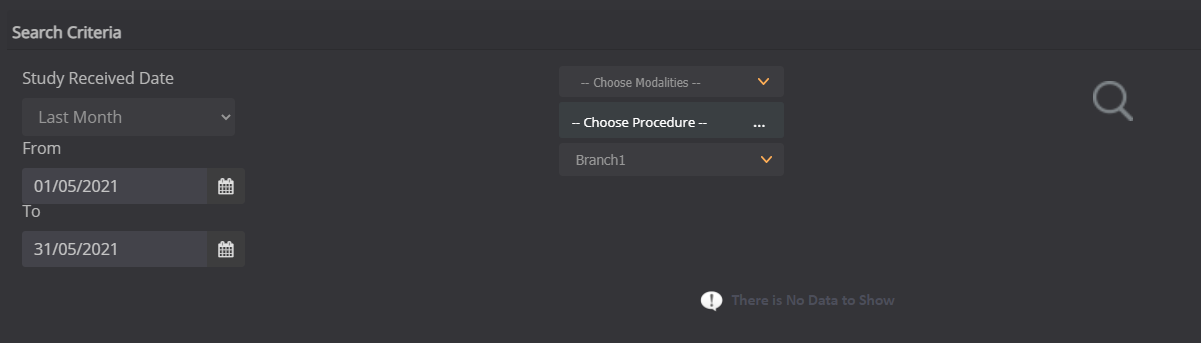
For all of these sections, the user can search for specific criteria - the search criteria differ depending on the section in which the search is being conducted. The user can also export the report as a PDF.
Instructions for each section along with their functions are given below: