Ultima360
User guide
×
Menu
Index
12.2.1. Studies Count
 
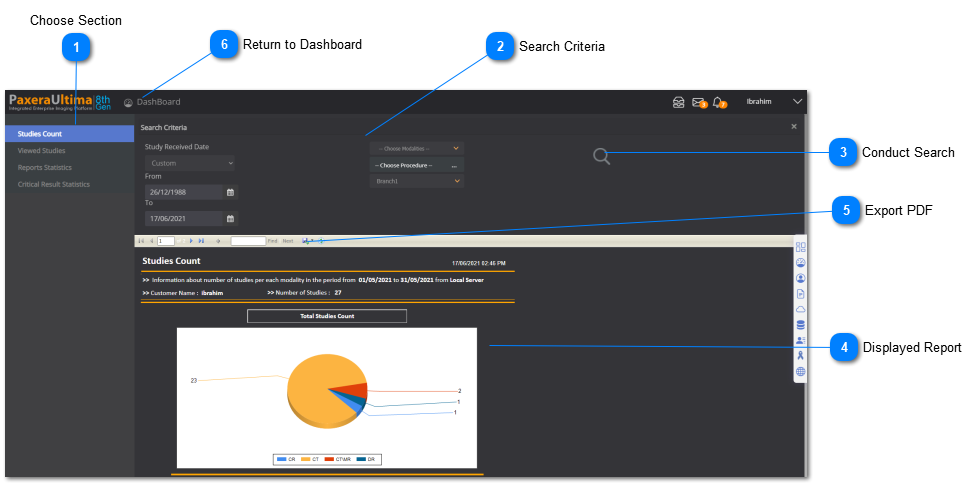
The studies count page displays the graphical and tabular information regarding the amount of studies acquired during a certain period of time. An overview of this page is given below:
 
12.2.1. Studies Count
 
 
1

Choose Section

1. Choose Section
Choose the 'Studies Count' section to see its dashboard report.
2

Search Criteria

2. Search Criteria
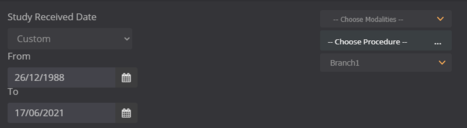
Filter out your report by study received dates, modality type, procedure type, and branch.
3

Conduct Search

3. Conduct Search
Click on this button to conduct your search.
4

Displayed Report

4. Displayed Report
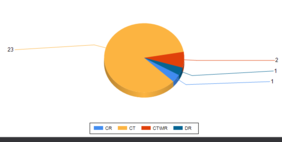
Your filtered report will display once you conduct your search.
5

Export PDF

5. Export PDF
The report can be exported and downloaded as a PDF file onto the computer.
6

Return to Dashboard

6. Return to Dashboard
Click this button to open the drop-down menu to navigate back to the main dashboard.