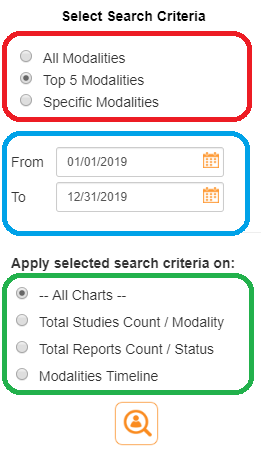
The search tool enables the user to search for specific operational graphs using these criteria as shown below:
To conduct a search, simply follow the instructions below:
1. Open the left toolbar panel.
2. Select the modality criteria of interest
3. Enter the date range for the search
4. Click on the Search button to conduct the search
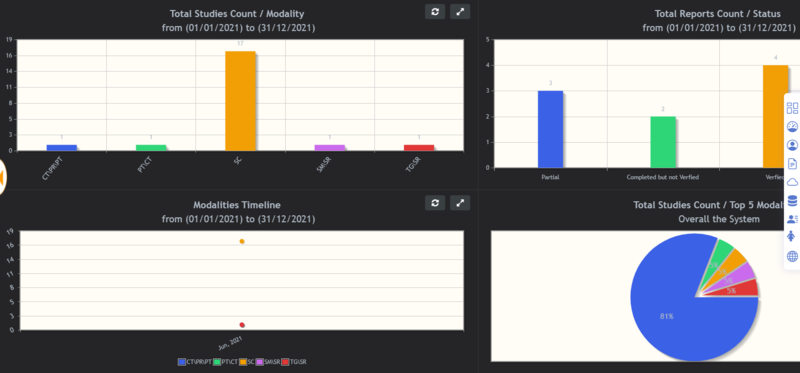
The operational graphs that meet the search criteria will be shown in the dashboard graph area: