Ultima User Guide (c) Copyright by PaxeraHealth Corp. 2021
9.4.5. Curved Mode
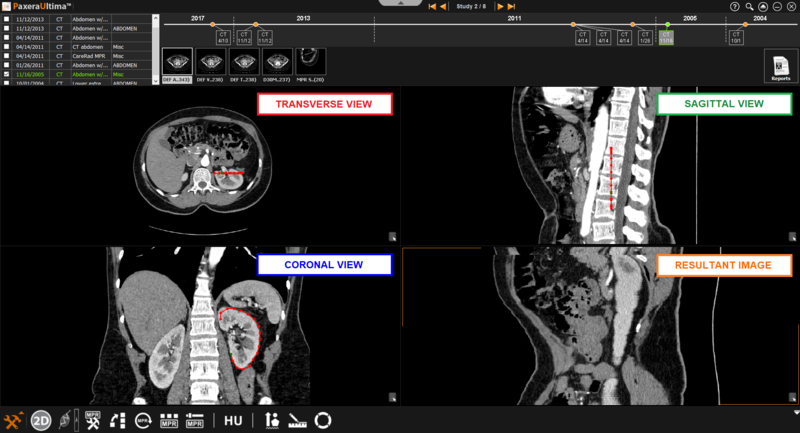
The curved mode allows the user to click on a number of points in order to create their own curved line.
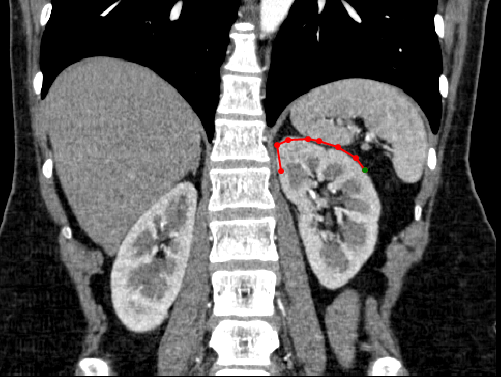
» Create curve- simple click on the starting position of interest and then continue to click along the path of interest. A continuous line will be created between each clicked point and a circle will be shown for each click that was conducted. To finish the curve, simple double click using the mouse.
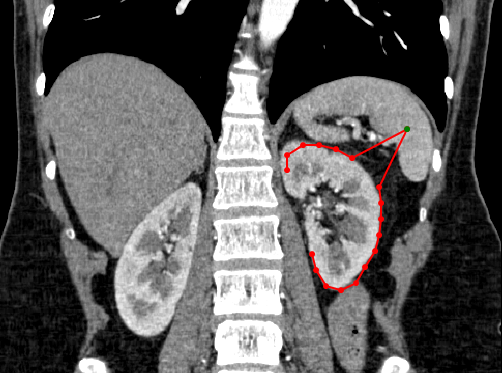
» Adjust curve– To adjust the shape of the curve, simple select one of the points shown along the curve and drag it to the new position of interest
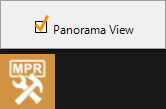
» Panorama mode- creates resultant image taking all views into account when curve is drawn (panorama mode is only accessible in the curved MPR mode).
If this option is unchecked, any adjustments made in a different window from the original curve will change the view of the resultant image.