Ultima User Guide (c) Copyright by PaxeraHealth Corp. 2021
9.4.4. Oblique Mode
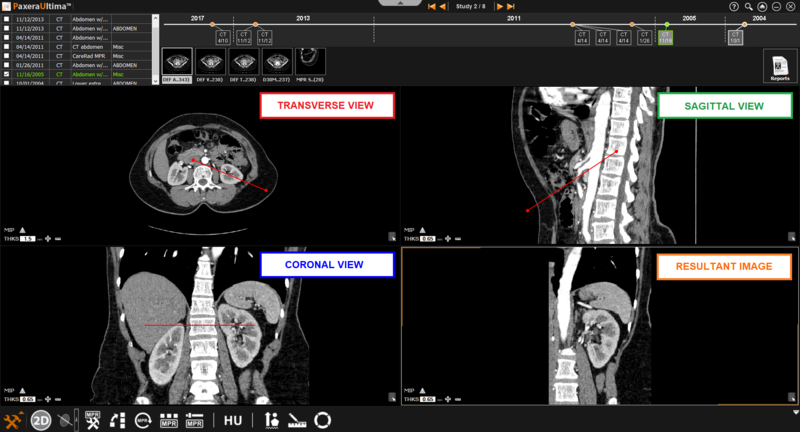
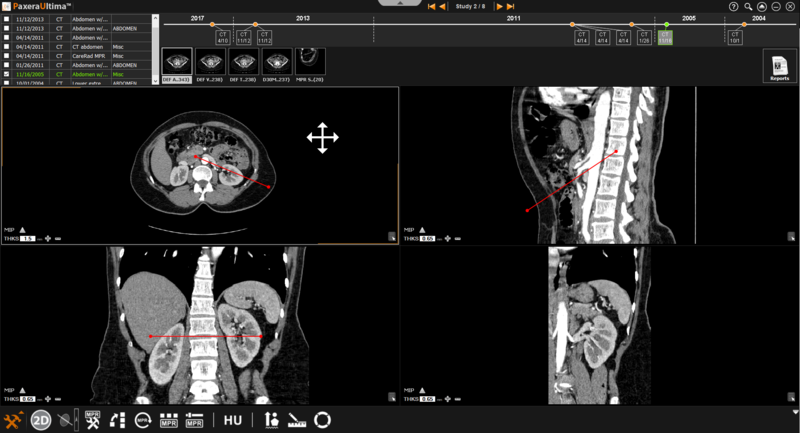
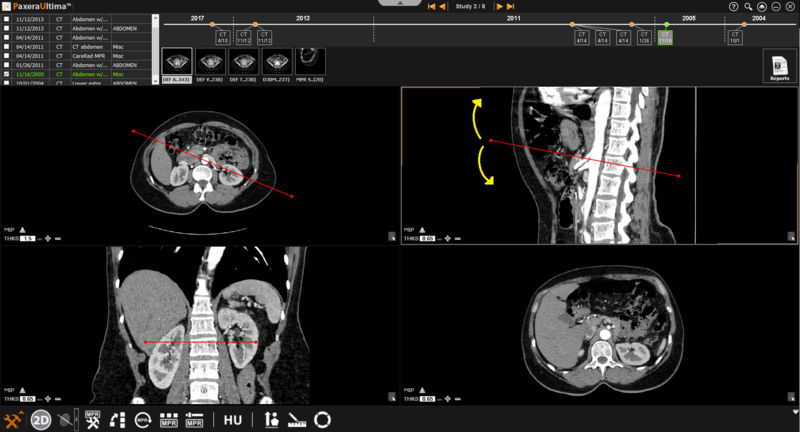
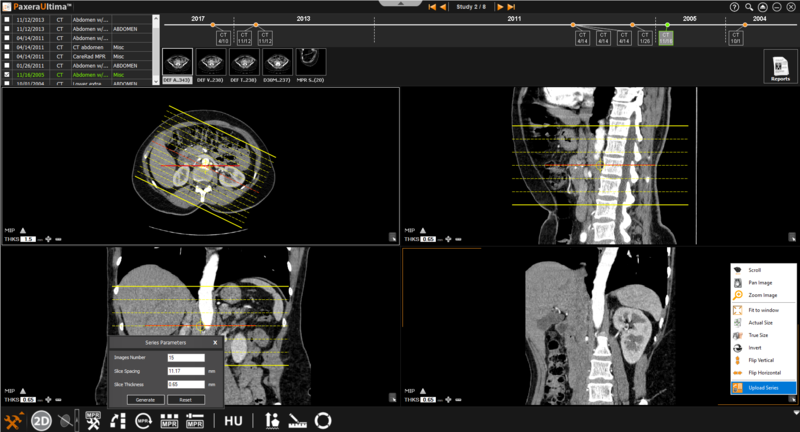
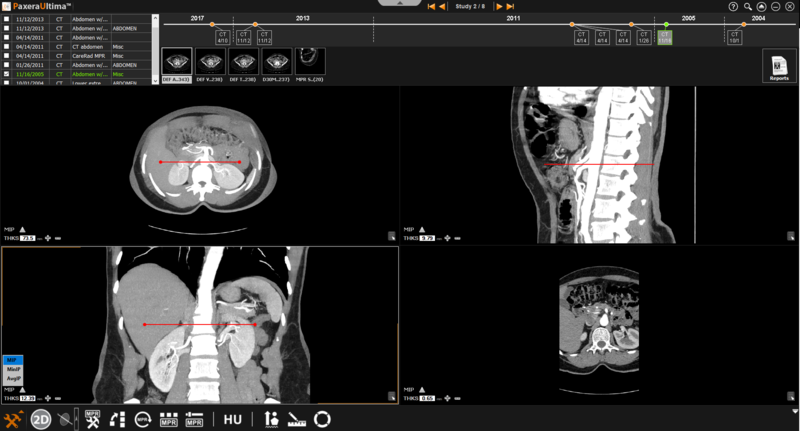
The oblique mode is similar to the bioblique mode as the user can adjust the angle of the plane. However, you can only manipulate one plane at a time.
» Adjust line position- The positions of the lines can be adjusted by clicking on the line of interest and dragging it in the direction of interest.
» Adjust line angle- The angle of the lines can be adjusted by clicking on the circle at the end of the line and dragging it in the direction of interest.
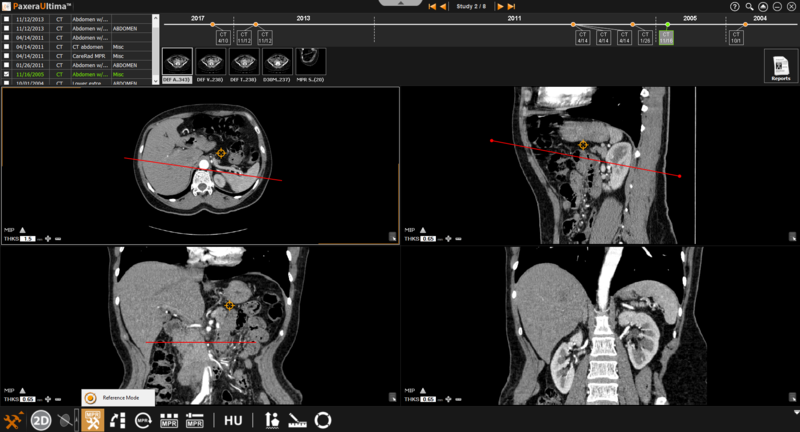
» Reference mode- this is used when the user needs to refer to a specific point (rather than a specific plane)
» Generate series- generate a new series from the selected MPR mode.
» MIP- calculates the major intensity of a pixel/region of the selected images