Ultima User Guide (c) Copyright by PaxeraHealth Corp. 2021
9.4.3. Bioblique Mode
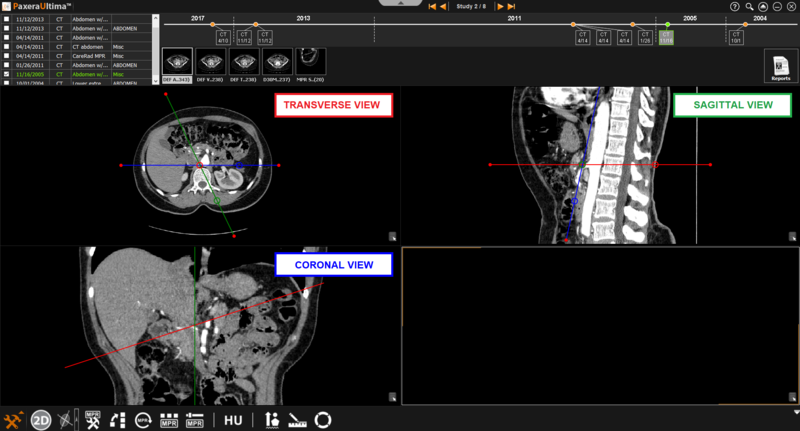
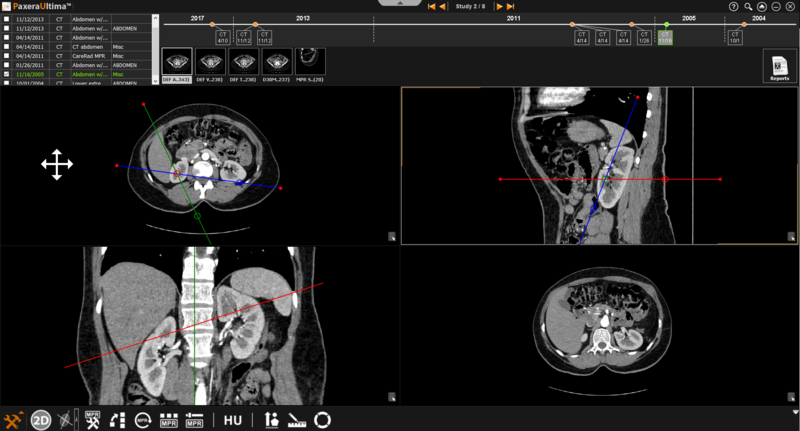
The bioblique MPR mode provides three planes (transverse, sagittal, and coronal) with lines that can rotate the angle of the planes. The image on the bottom right corner can be omitted within the bioblique mode.
» Adjust line position- The positions of the lines can be adjusted by clicking on the line of interest and dragging it in the direction of interest.
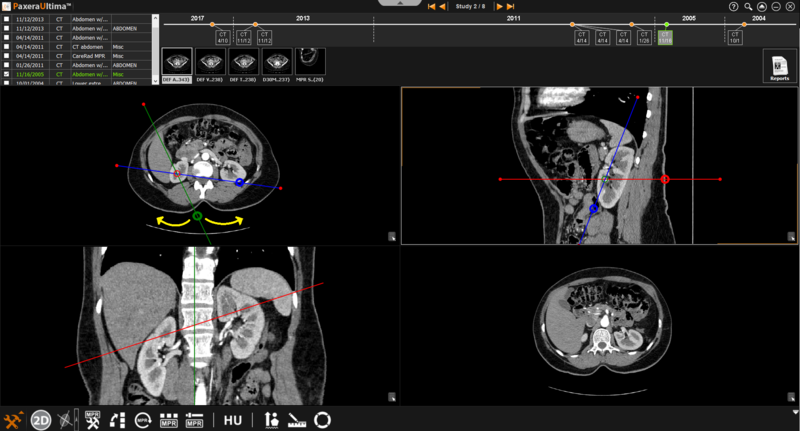
» Adjust line angle- The angle of the lines can be adjusted by clicking on the circle intercepting the line of interest and dragging it in the direction of interest.