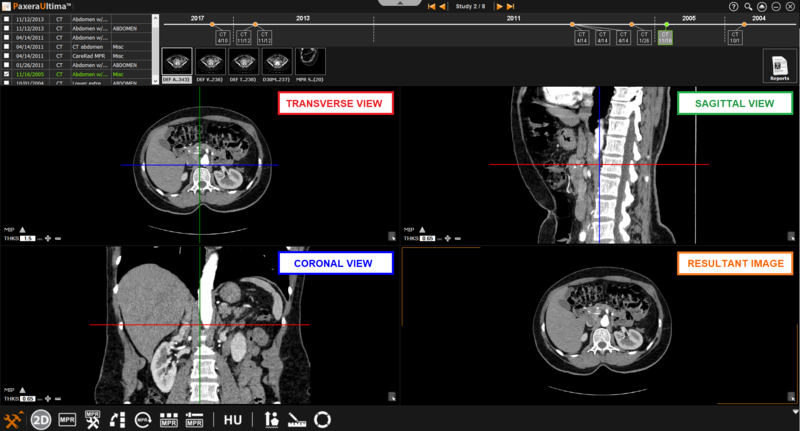
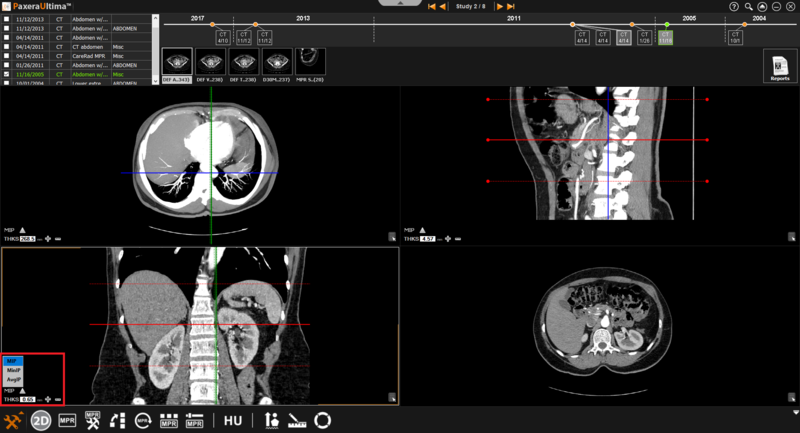
The normal MPR mode provides three views of the images as shown below:
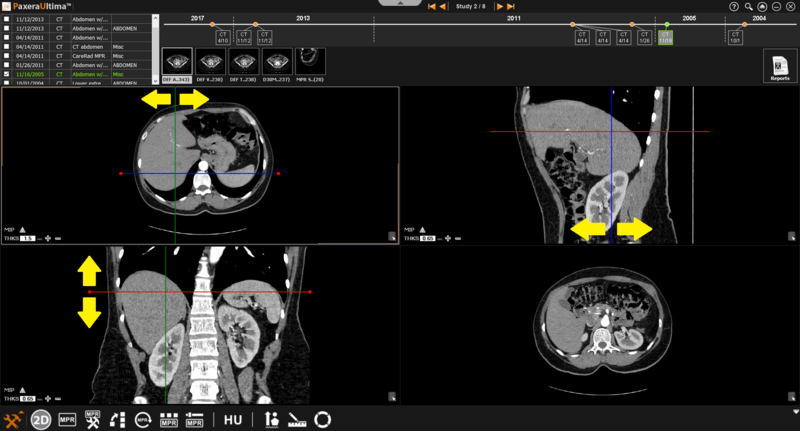
» Adjust line position - The positions of the lines can be adjusted by clicking on the line of interest and dragging it in the direction of interest.
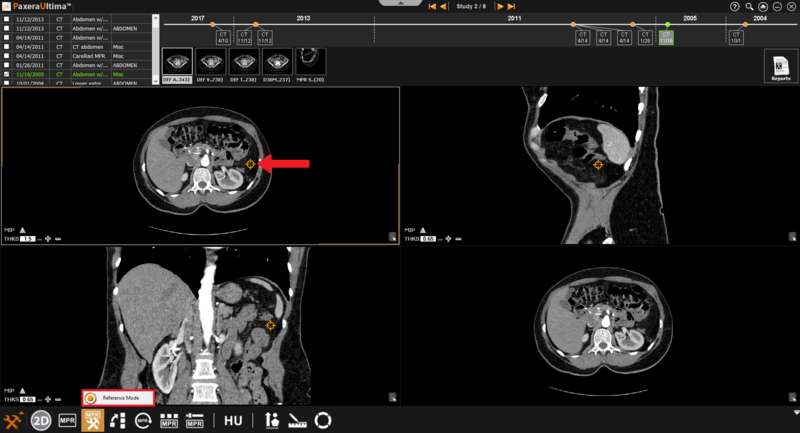
» Reference mode - this is used when the user needs to refer to a specific point (rather than a specific plane).
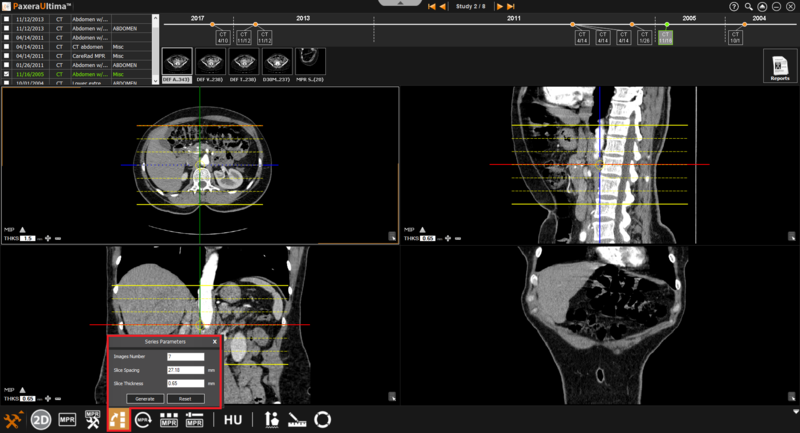
» Generate series - generate a new series from the current series.
» MIP - calculates the major intensity of a pixel/region of the selected images.