9.2.2. Save Measurements & Calculations
The image with all the measurements taken can be saved as a presentation state (PS), simply follow the instructions below:
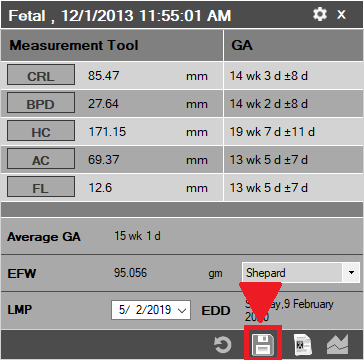
1. Click on the ‘Save’ button after all the measurements have been conducted:
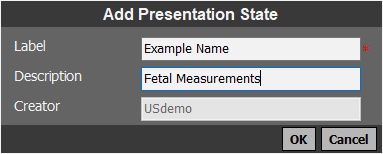
2. A new window will appear, enter the label and description for the PS and then click 'OK':