9.2.3. Set Overlay Location
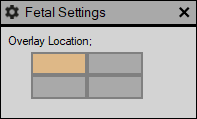
The settings enable the user to set an overlay location. This is used to save all the calculations on a specific image window as a presentation state.
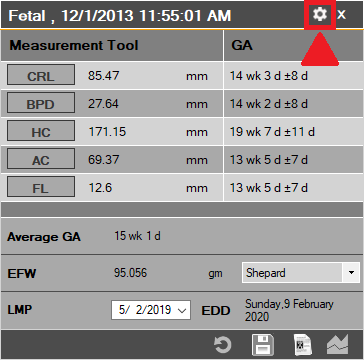
To access this, simply click on the ‘settings’ button on the top right corner of the fetal measurement tool.
A new window will appear, simply click on the overlay window of interest. Then click on the ‘Save’ button to save the PS with the calculations.