8.6.1. Add Presentation State
To add a new presentation state, follow the instructions below:
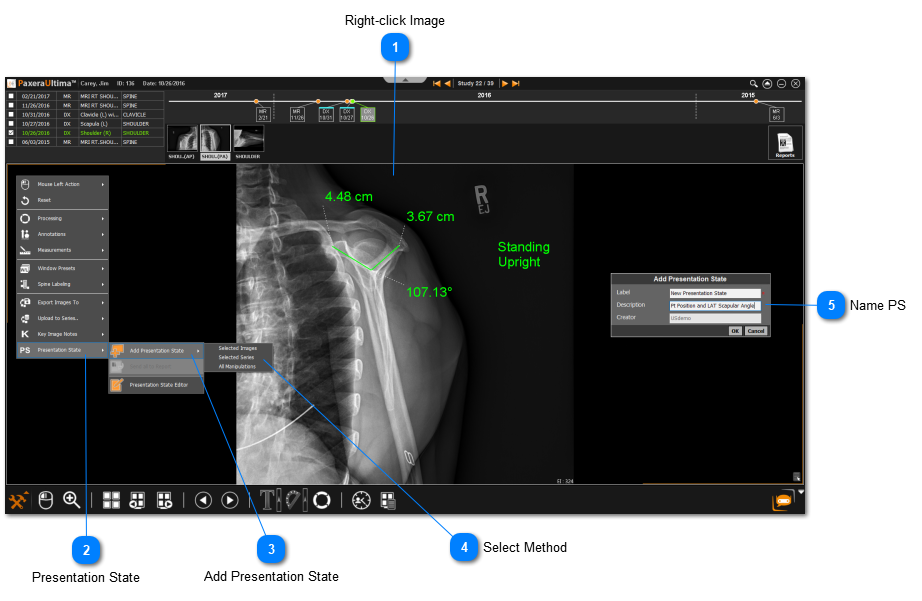
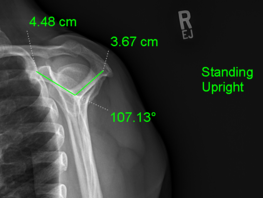
 Right-click ImageRight-click on the image with the changes you would like to save as a Presentation State (PS).
|
|
 Presentation StateClick on Presentation State from the menu.
|
|
 Add Presentation StateClick on Add Presentation State.
|
|
 Select MethodChoose how you would like to save the presentation state.
|
|
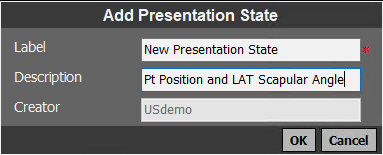
 Name PSCreate a label and description for the presentation state. Click OK when you are done.
|
|