Ultima User Guide (c) Copyright by PaxeraHealth Corp. 2021
8.5.10. Maximize Image
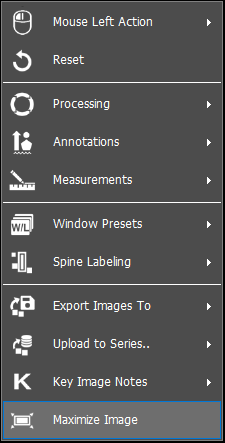
To maximize an image in an image window of the study viewer, simply right click on the image of interest. A dropdown list will appear, select ‘Maximize’, as shown below:
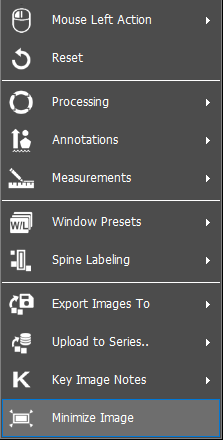
To minimize an image in an image window of the study viewer, simply right click on the image of interest. A dropdown list will appear, select ‘Minimize’, as shown below:
You can maximize and minimize an image from the viewer by double-clicking on the image window.
From the main toolbar > Preferences > Settings > Display, you can change the settings for maximizing the image as shown below: