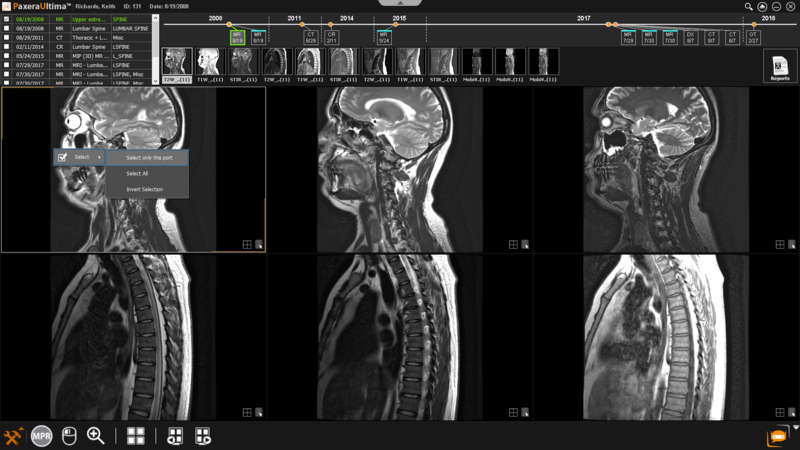
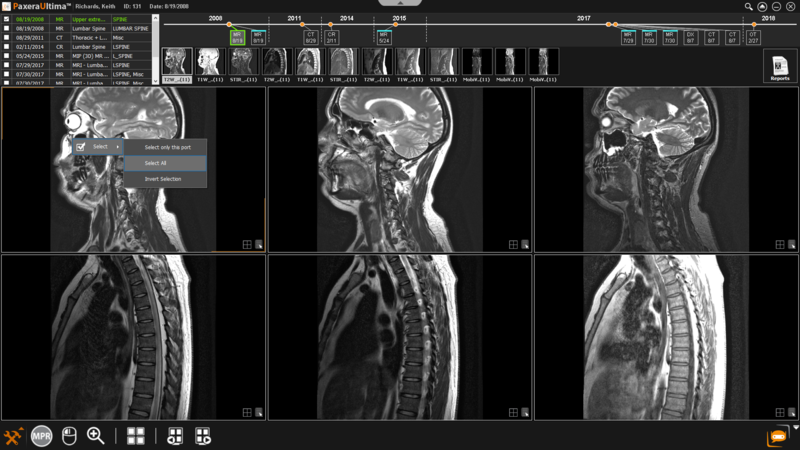
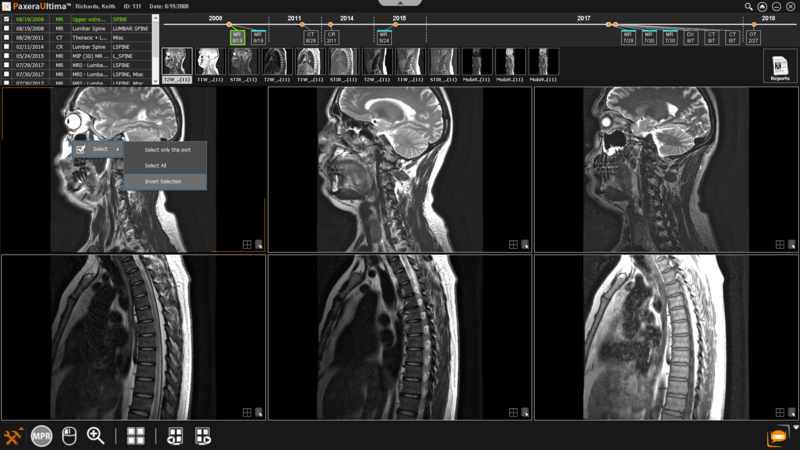
A few different image selection options are available.
Simply right click on any of the images in the study viewer. A dropdown list will appear, click on ‘Se- lect’ and the appropriate selection tool:
-
Select only this port: only the active port will be selected (the white box outlining the window shows which is selected).
-
Select All: all ports (windows) in the viewer will be selected.
-
Invert Selection: selects all ports (windows) except the active port.
To select specific images , simply hold in the ‘Ctrl’ button on the keyboard while clicking on the images of interest to be selected.