Ultima User Guide (c) Copyright by PaxeraHealth Corp. 2021
8.14.0. Image Tools
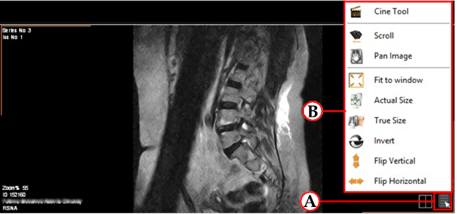
In each image window, there is a window menu that enables the user to adjust the view of the image in the image windows.
To access these options, simply click on the ‘Open window menu’ button (A) located in the bottom right corner of the image window; and a pop-up menu will be shown (B):
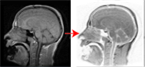
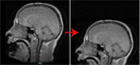
Examples of some of these tools:
Invert
Pan Image
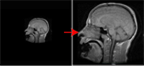
Fit to Window
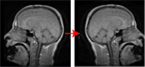
Flip Horizontal
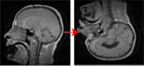
Flip Vertical
Cine tool
Display images as cine (very useful if there is a large number of images)
Scroll
Scroll between images in a series
Pan image
Adjust the center of the image in the image window
Fit to window
Adjusts image size to fit to window size
Actual size
Adjusts the image to the actual size of the image
True size
Adjusts the image to the true size of the image object