19.1.1.2.Presentation State
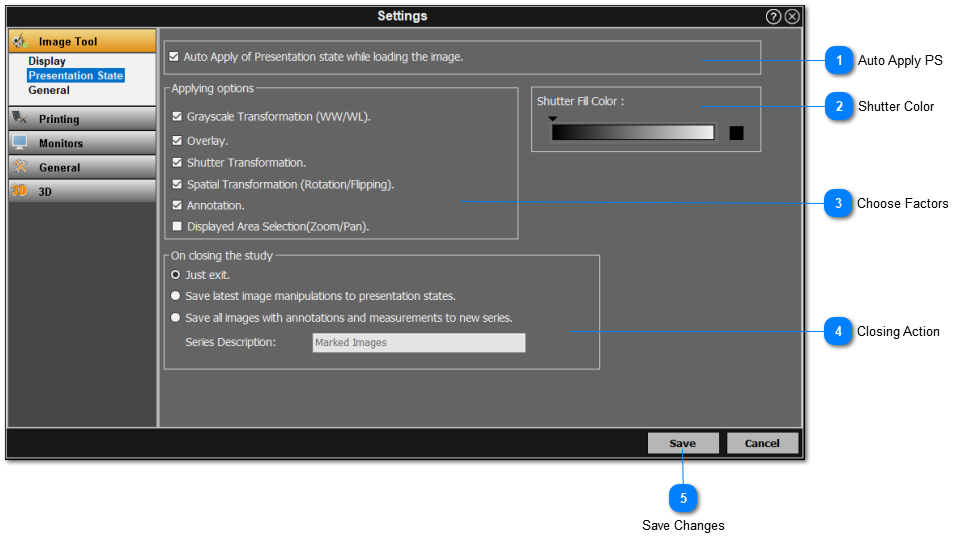
The user can change the presentation state settings here. See below for instructions:
 Auto Apply PSCheck this box to automatically apply PS when opening a study in the viewer.
|
|
 Shutter ColorSelect the shutter fill color from the grayscale spectrum.
|
|
 Choose FactorsCheck off all factors that can be saved as a PS.
|
|
 Closing ActionSelect the appropriate action for when you exit the study in the viewer.
|
|
 Save ChangesClick 'Save' when you are done to save the changes.
|
|