Ultima User Guide (c) Copyright by PaxeraHealth Corp. 2021
19.1.1.1 Display
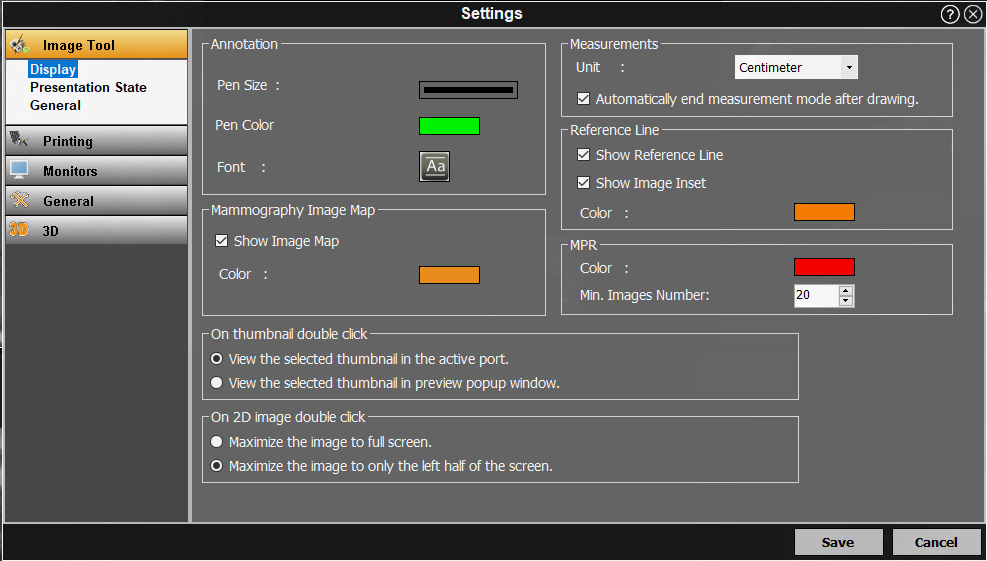
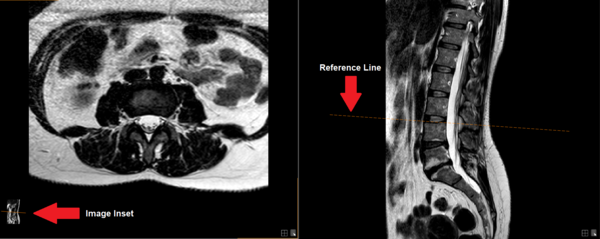
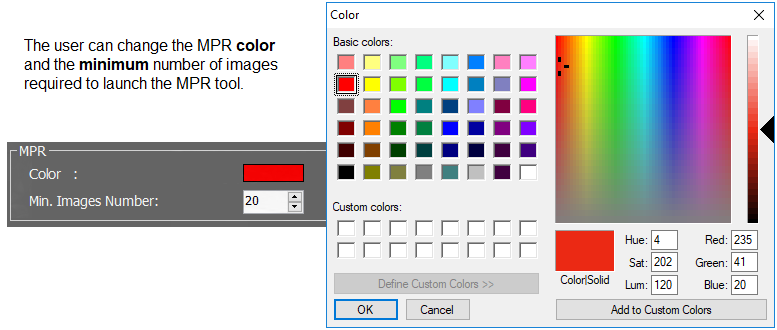
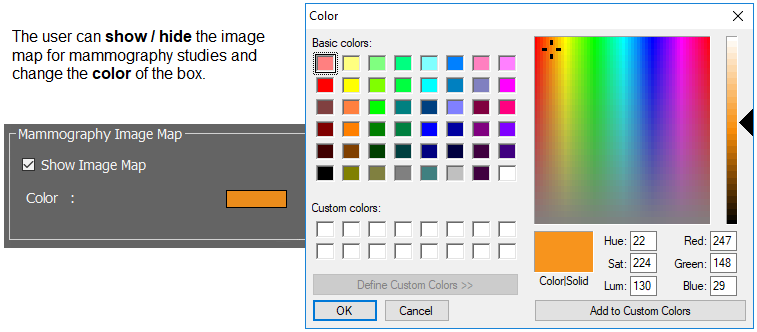
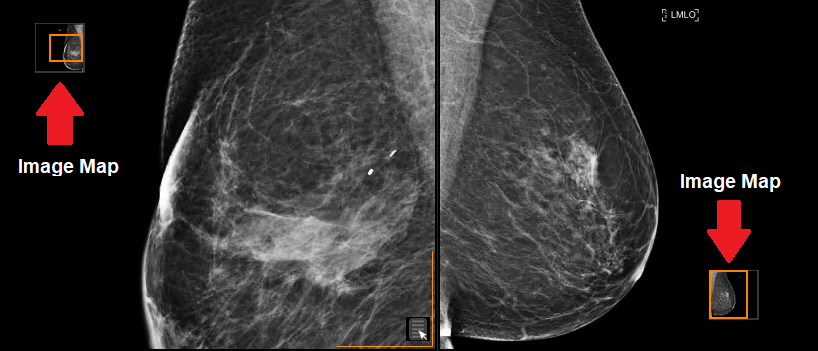
The Display settings is where the user can make adjustments to the annotation tool, measurement tool, reference line, MPR mode, mammography image mapping, window and thumbnail view.
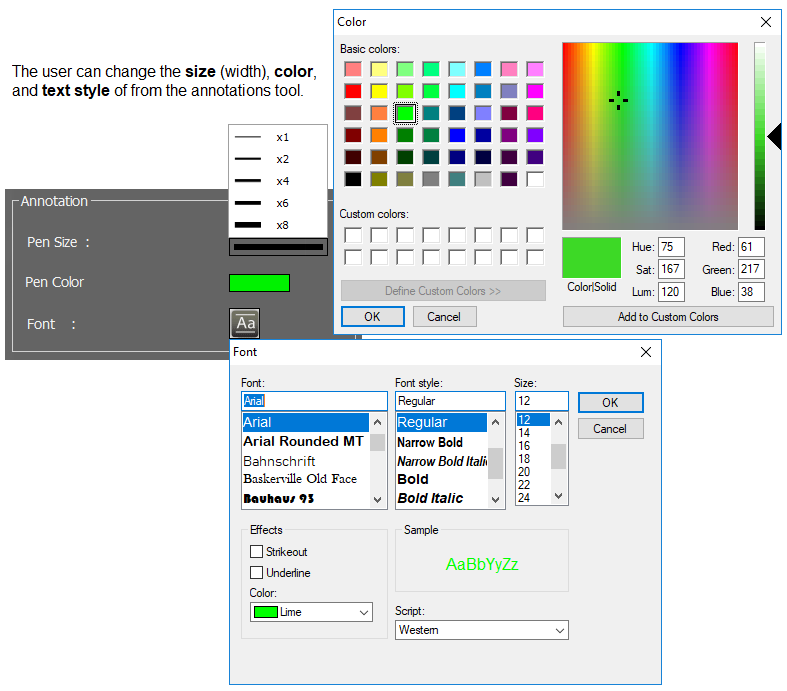
Annotation:
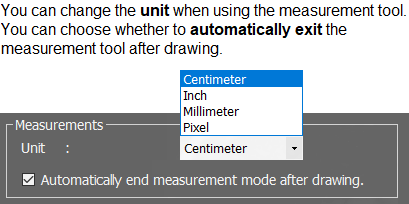
Measurements:
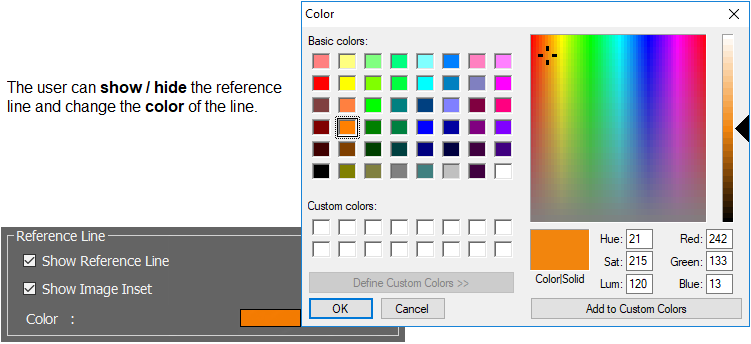
Reference Line:
MPR:
Mammography Image Map:
On Thumbnail View:
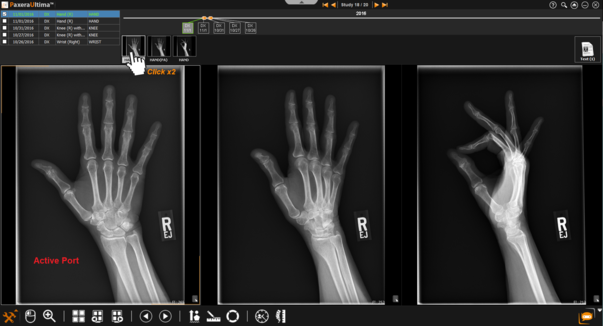
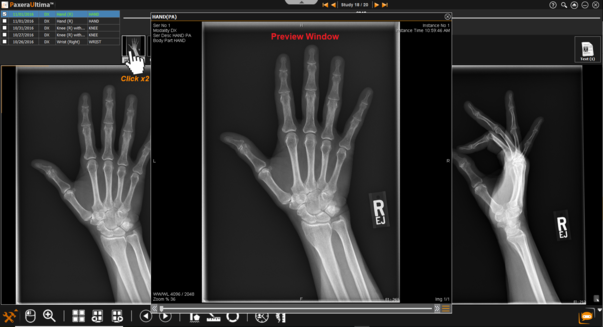
The user can choose how to view series when double-clicking on it from the series panel (thumbnail view).
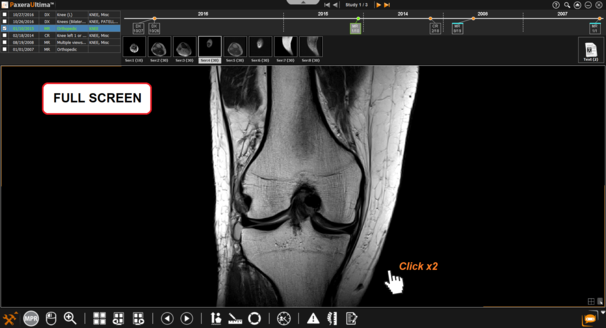
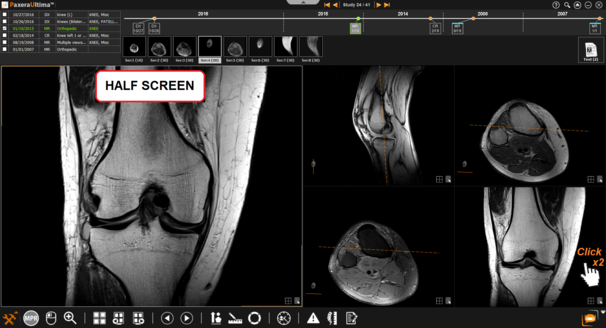
On Double-click View:
The user can choose how to view images when double-clicking on it within the viewing window.