To properly display this page you need a browser with JavaScript support.
Ultima360
User guide
×
Menu
Index
Search
Search
Search
17.0.0. ZFP Viewer
17.2.0 Toolbox Overview
17.2.5. Other Tools
17.2.5.4. Pan
Previous page
Next page
Ultima User Guide (c) Copyright by PaxeraHealth Corp. 2021
To properly display this page you need a browser with JavaScript support.
17.2.5.4. Pan
To pan an image, follow the instructions below:
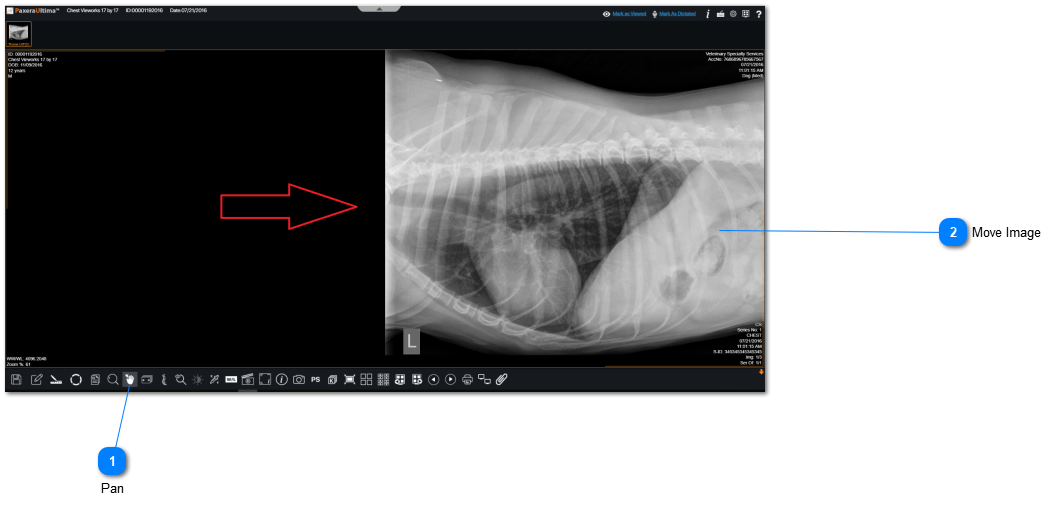
Pan
Click on "Pan" from the bottom toolbar.
Top
Move Image
Click anywhere on the viewer and move the image to pan it.
Top