To zoom into the image, follow the instructions below:
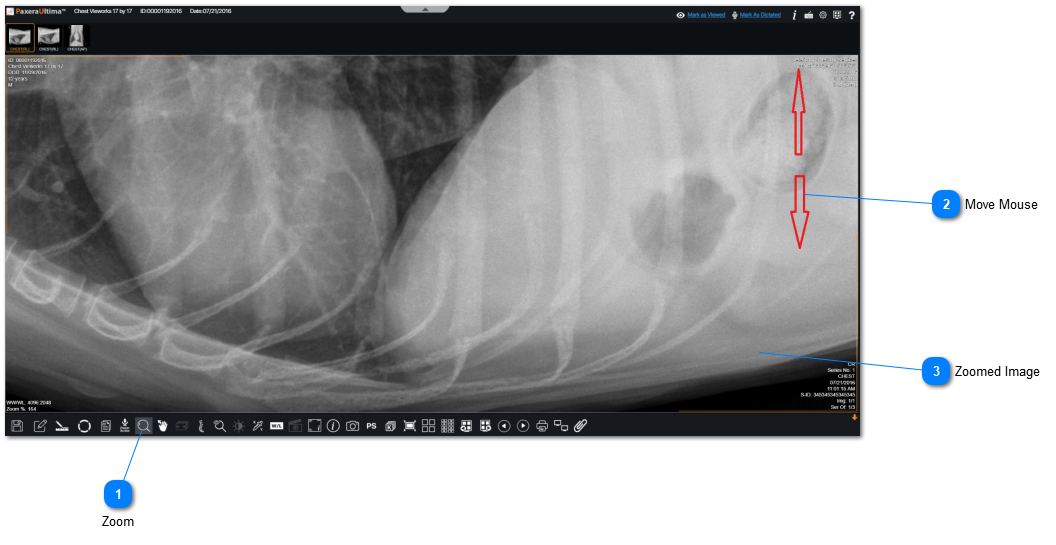
 ZoomClick on "Zoom" from the bottom toolbar.
|
|
 Move MouseClick/hold down the mouse and move it up/down to zoom in/out of the image.
|
|
 Zoomed ImageThe resulting image is zoomed in after moving the mouse up.
|
|