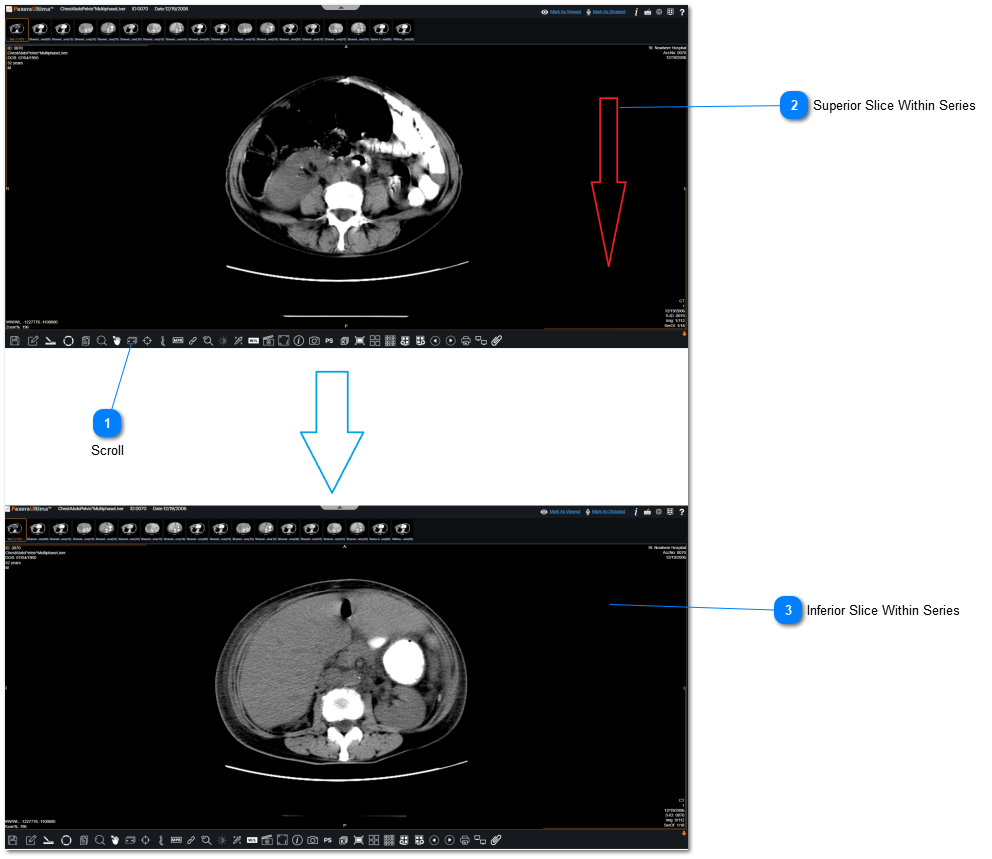
To scroll through a series, follow the instructions below:
 ScrollClick on "Scroll" from the bottom toolbar.
|
|
 Superior Slice Within SeriesClick/hold down mouse and drag it down to scroll through the individual images within the series. Instance 1 is shown on viewer.
|
|
 Inferior Slice Within SeriesThe series has been scrolled to instance 4 on viewer.
|
|