Ultima User Guide (c) Copyright by PaxeraHealth Corp. 2021
9.5.8. Cervical Curve Tool
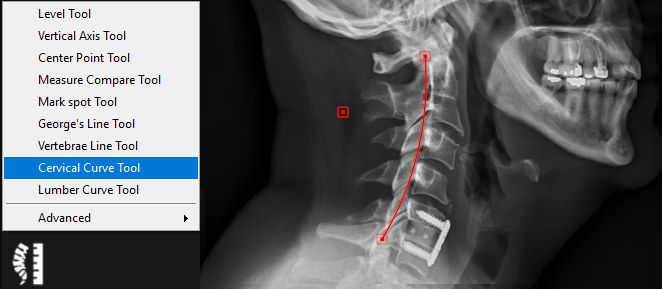
The cervical curve tool is used to draw a curve between two points based on the radius of a circle including those points. Follow the instructions below to use this tool:
1. Select the ‘Cervical Curve Tool’ from the chiropractic toolbox.
2. Click on the image to set the starting point of the curve.
3. Click to set the ending point of the curve.
4. Click to set the final point on either the right or left side of the curve to determine the direction of the curve.
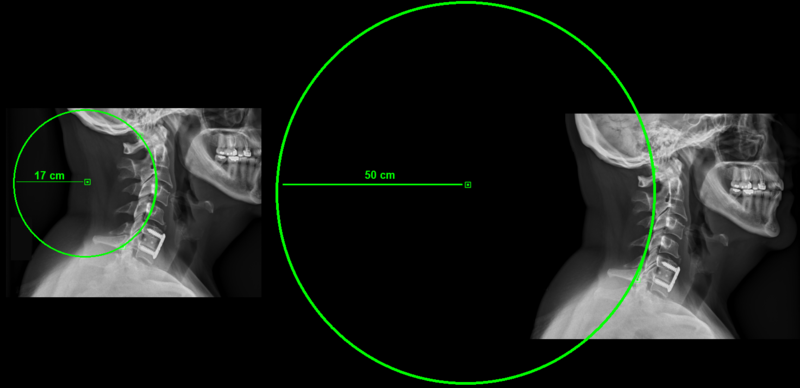
A curve will be drawn based on the radius of a circle including those points (default radius is 17cm):
To change the radius of the circle (curve):
1.Click on the curve to activate it.
2.Right click on it and a dropdown menu will appear. Choose “Change Curve Radius” to change the radius of the circle including the curve.