9.5.2. Vertical Axis Tool
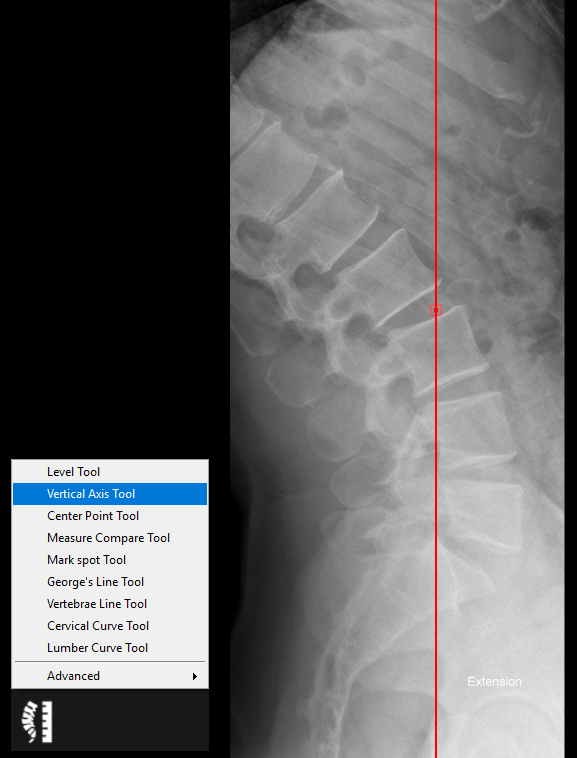
The vertical axis tool is used to draw a vertical line at the selected point. Follow the instructions below to use this tool:
1. Select the ‘Vertical Axis Tool’ from the chiropractic toolbox.
2. Click on the image and a vertical line will appear where you clicked.
3. To adjust the line position, simple click on the line and drag to new position.
An example of this tool is shown below: