Ultima User Guide (c) Copyright by PaxeraHealth Corp. 2021
9.5.1. Level Tool
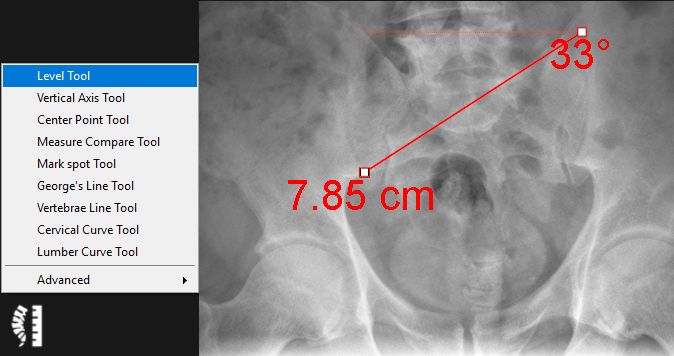
The level tool is used to determine the distance between a drawn line and the horizontal axis as well as the angle between the line and the horizontal axis. Follow the instructions below to use this tool:
1. Select the ‘Level Tool’ from the chiropractic toolbox.
2. Click to create the starting point of the line.
3. Click again to create the end point of the line.
4. To adjust either of the line points− simply click on the point and drag to the new position.
5. The distance between the drawn line and the horizontal axis will be displayed as well as the angle between te drawn line and horizontal level.