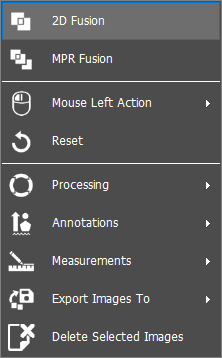
To conduct the fusion manually, follow the instructions below:
1. Hold in the ‘Ctrl’ button on the keyboard and select the CT and PET image of interest.
2. Right click on one of the selected images, a dropdown list will appear, click on ‘2D fusion’
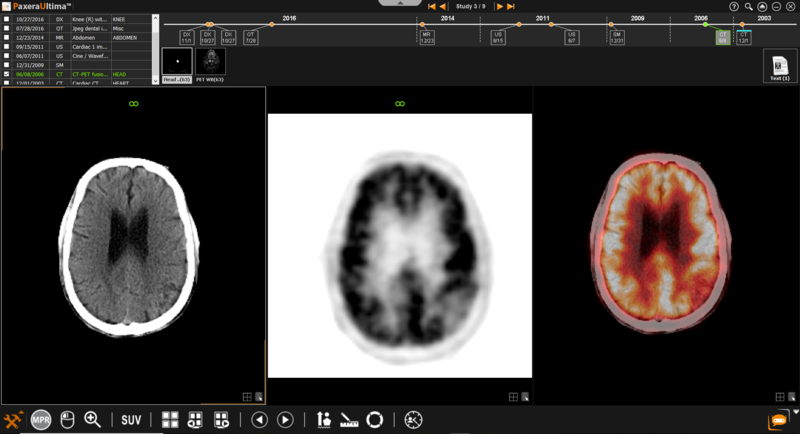
3. The layout will adjust automatically to accommodate for the rendered fusion image: