To properly display this page you need a browser with JavaScript support.
The live screen sharing feature enables users in remote locations to collaborate live on a study.
In other words, if one user draws a measurement, the other remote user will see the measurement being drawn in real time.
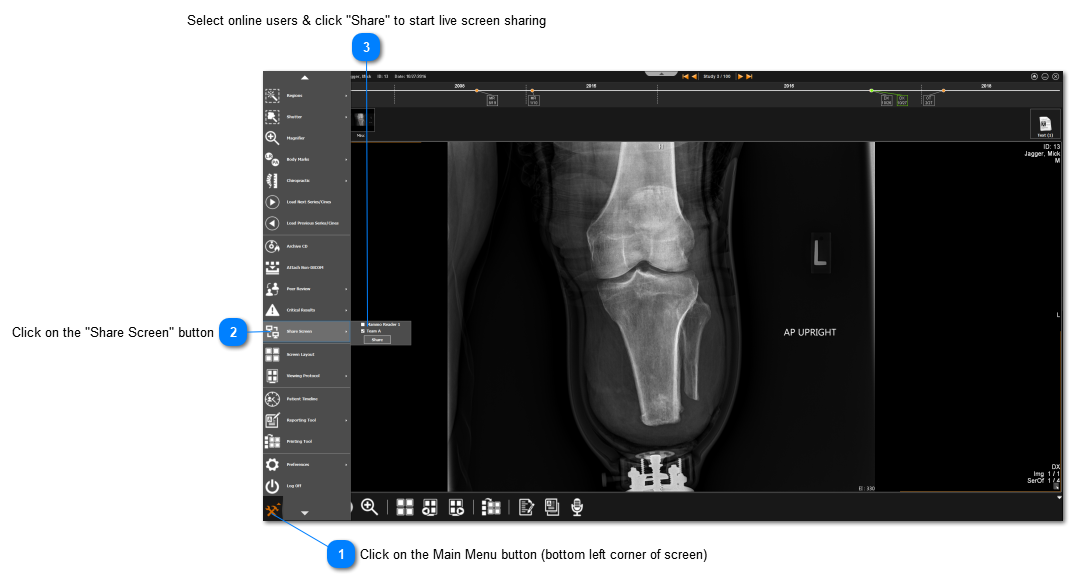
Click on the Main Menu button (bottom left corner of screen)
This will open up the complete menu of options:
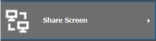
Click on the "Share Screen" button
Find "Share Screen" from the main menu
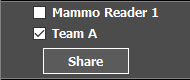
Select online users & click "Share" to start live screen sharing
A list of online users will be shown, use the checkbox to select any or multiple users to view the study
GoToMeeting
The Live Screen Sharing uses GoToMeeting and so you will need to have a GoToMeeting account to start it. The number of users that you can have part of the live screen share depends on the GoToMeeting account you have.