Ultima User Guide (c) Copyright by PaxeraHealth Corp. 2021
2.1.3. Forgot Your Password
If you forgot your password - you can ask your system administrator to reset your password and you will be asked to enter a new password.
Otherwise, follow the instructions below:
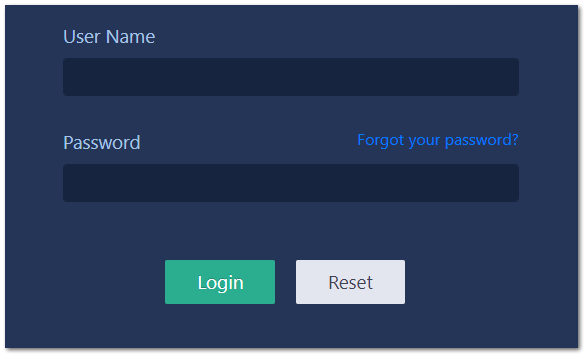
1) Go to the login screen and click on ‘Forgot your password’
2) Verify Your ID
A window will appear where the user will be prompted to enter their username and the unique code as shown below. Then click on ‘Next’
3) Security Question
Another window will appear and you will be prompted to answer your security question and then press ‘Next’
4) Enter New Password For Account
The user will be prompted to enter a new password in both blocks and then press ‘Next’
5) Password Reset Successful
The screen will indicate that the password was successfully changed, click on ‘Finish’
Save Password
The user may be asked by the web browser to save the password. It is not recommended to do this, as this may let your account to be used by other persons who should not use the application with your privileges on the Patient Health records.