17.2.5.9. Toggle Information
To show/hide information on the outer corners, follow the instructions below:
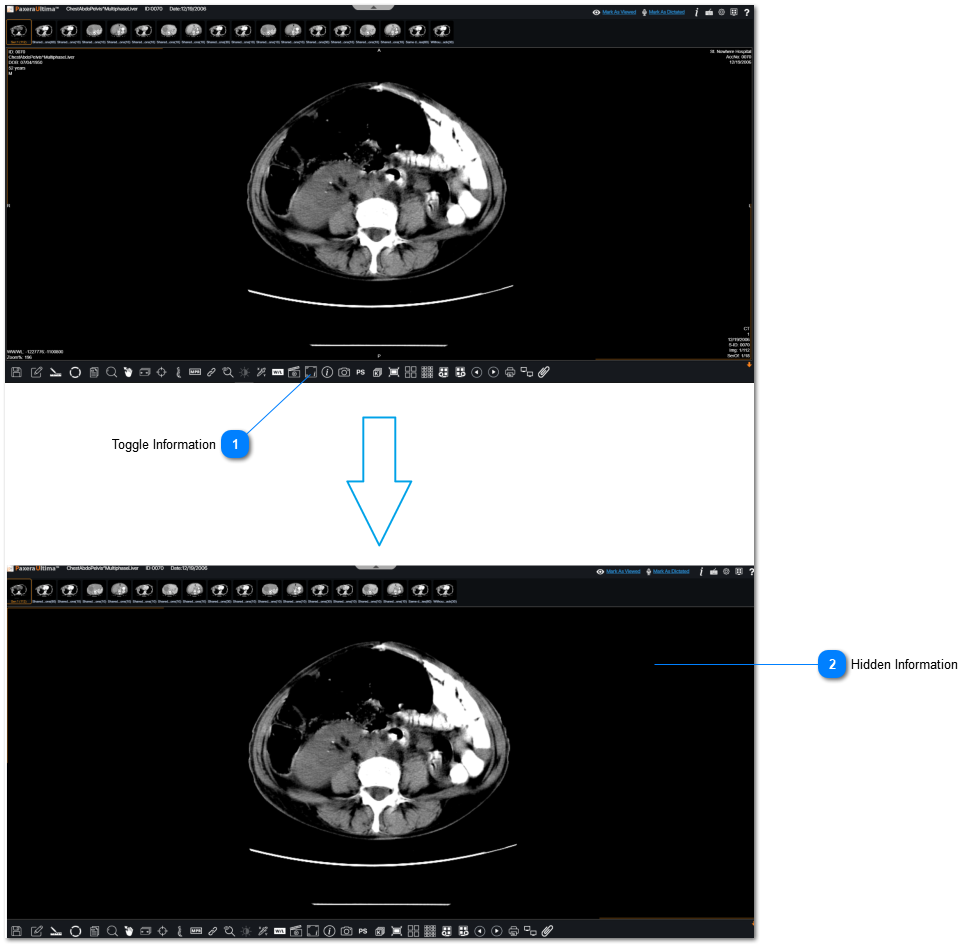
 Toggle InformationClick on "Toggle Information" from the bottom toolbar.
|
|
 Hidden InformationInformation from outer corners of the viewer are now hidden. This gives cleaner appearance of viewer.
|
|