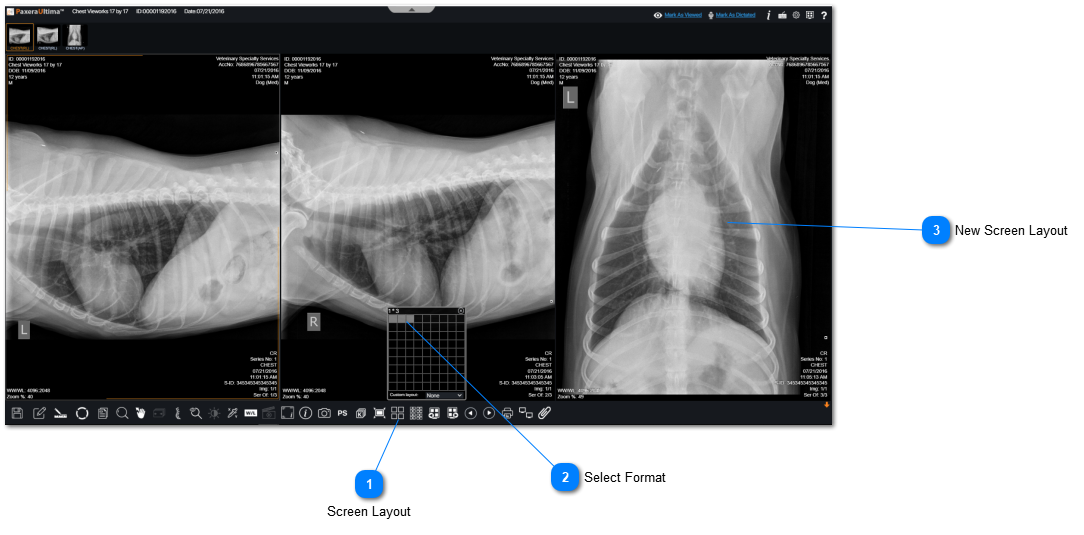
To change the screen layout (number of series shown on screen), follow the instructions below:
 Screen LayoutClick on "Screen Layout" from the bottom toolbar.
|
|
 Select FormatFill in the boxes according to the viewing protcol you would like to see. Each box indicates an individual series within a study.
|
|
 New Screen LayoutHere is the viewing protocol with the new screen layout.
|
|