Ultima User Guide (c) Copyright by PaxeraHealth Corp. 2021
16.1.2. Set Critical Finding
There are two methods to set a critical finding:
Set a study as a critical case on the worklist.
Set a study as a critical case on the study viewer.
To set a critical finding on the worklist, follow the instructions below:
1. Right click on the study-of-interest from the worklist.
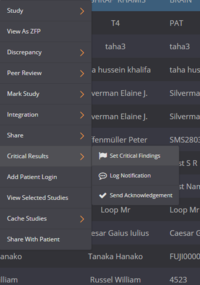
2. A drop-down menu will appear, click on ‘Critical Results’and then ‘Set critical finding’.
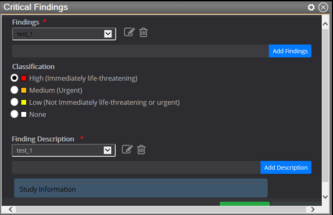
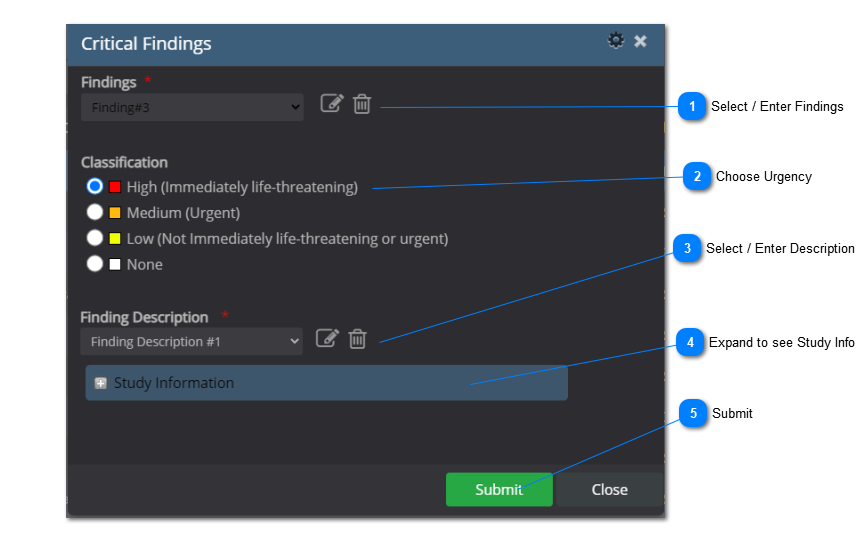
3. A new window will appear. Choose a finding from the drop-down list, choose a classification depending on its urgency,choose a finding description from the drop-down list.
4. You can manually add a new finding or finding description by clicking on or .
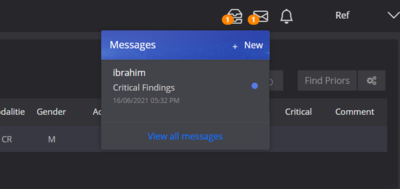
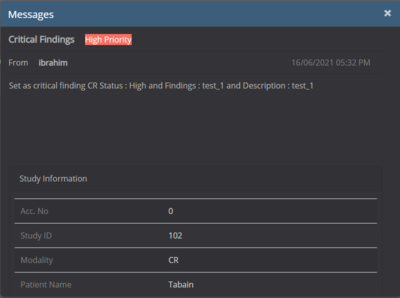
For referring physicians who have individual user accounts on PaxeraUltima, a message notification will be visible once they log in.
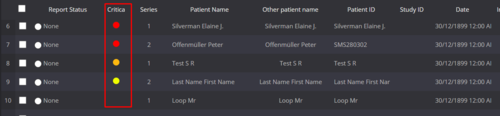
The critical finding studies can also be seen from the worklist, as shown below:
High (immediate life-threatening) critical finding
Medium (urgent) critical finding
Low (not life-threatening) critical finding
Acknowledged high critical finding
Acknowledged medium critical finding
Acknowledged low critical finding
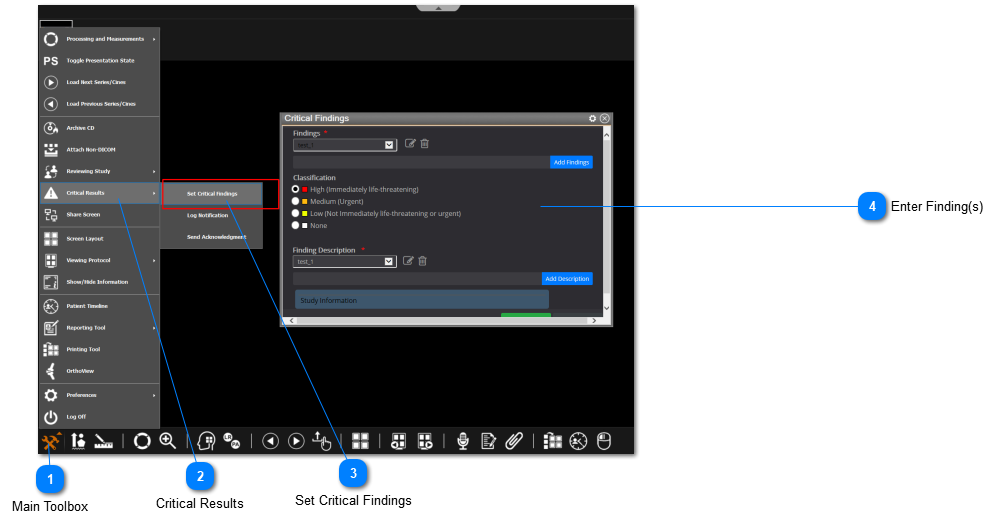
To set a critical finding on the viewer, follow the instructions below:
Main Toolbox
Click on the main toolbox from the bottom left corner.


 or
or  .
.