Ultima User Guide (c) Copyright by PaxeraHealth Corp. 2021
15.1.0. Reporting Tool
In this section the user will learn how to use the reporting tool. There are different reporting platforms available including: web report; advanced report; and structured report for cath / echo / EPS / MG studies. Each of these will be explained along with all their tools.
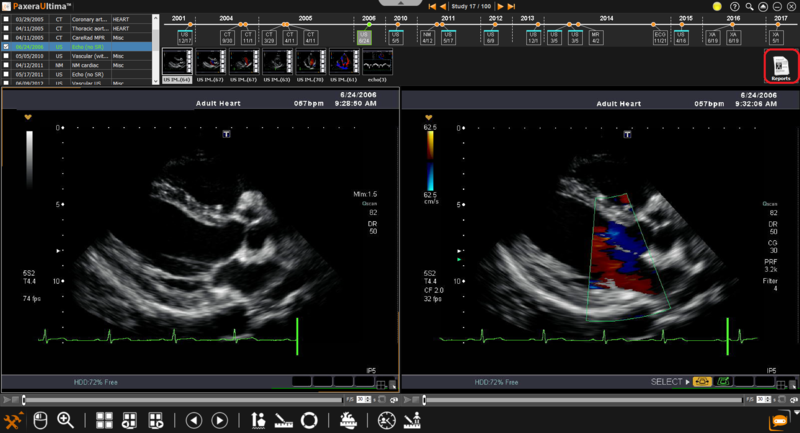
For quick access, there is a ‘Report’ icon on the right hand side of the series panel in the study viewer:
To open an existing report or create a new report, click on the 'Report' icon.
Reports in the worklist
Click here to learn how to access reports from the study worklist.
Reports settings
Click here to learn how to change report settings (web or advanced) on the worklist.