The magnifier tool enables the user to magnify a specific portion of the ECG waveform. Follow the instructions below to learn how to use this:
1. Right click anywhere on the waveform window
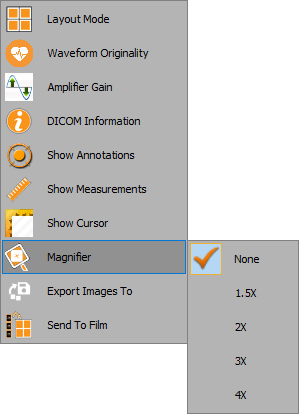
2. From the dropdown list, select ‘Magnifier’ and then choose a magnification gain:
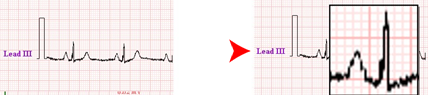
3. Click on the area of interest to magnify the region, as shown below: