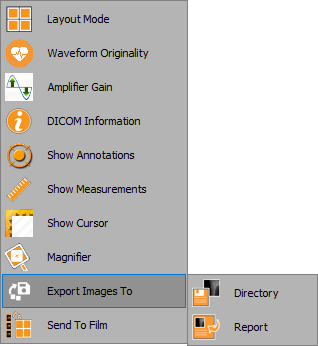
The export tool enables the user to export the waveform to a directory or a report. Follow the instruc- tions below to learn how to use this:
1. Right click anywhere on the waveform window
2. From the dropdown list, select ‘Export image to’ and then choose Directory / Report: