Ultima User Guide (c) Copyright by PaxeraHealth Corp. 2021
9.6.0. Auto-Link Series
This tool allows the user to link two series with the same projection and equal number of images (slices). Note that this tool is only available for CT/MR studies and series with the same projection.
Follow the instructions below to auto-link series:
1. Select the two series that you would like to link by holding down the 'Ctrl" key and clicking on the series. Selected series will be outlined with a white box.
2. Right-click on any of the images and click on 'Auto-Link Selected' .
3. The series will now be linked and the user can use the scroll wheel on the mouse to scroll through the series.
An infinity sign will be shown on the top of each image window to indicate that both series are linked.
4. To unlink the series, right-click on any of the images and click on ‘Unlink-Selected’ .


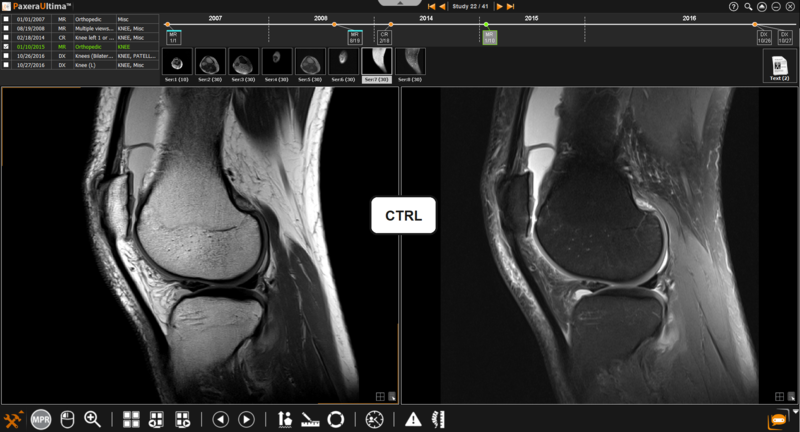
 .
. will be shown on the top of each image window to indicate that both series are linked.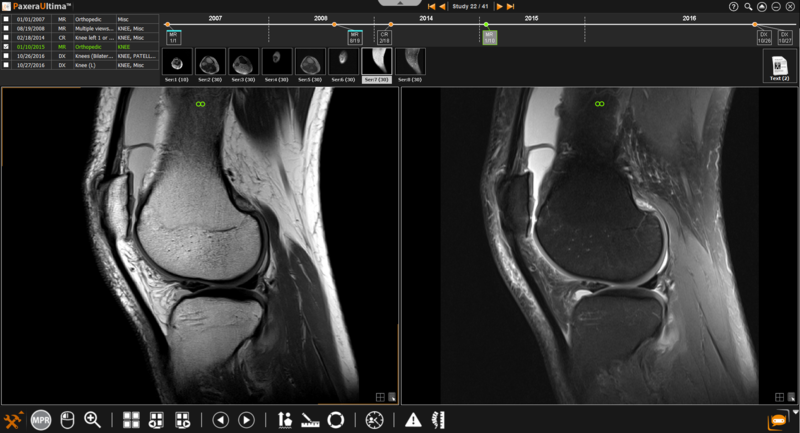
 .
.