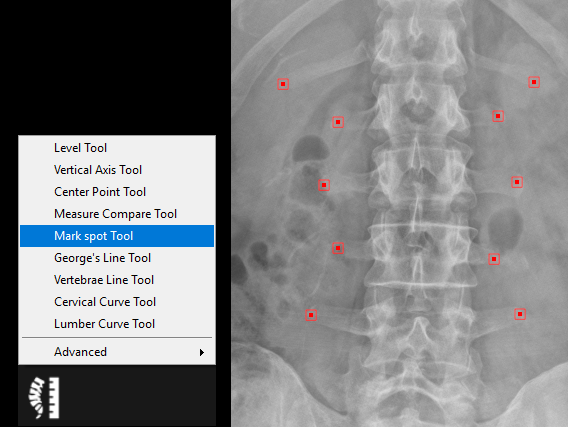
The mark spot tool is used to mark as many points as necessary. Follow the instructions below to use this tool:
1. Select the ‘Mark Spot Tool’ from the chiropractic toolbox
2. Click on the image to create a point; repeat this step to make as many points as necessary.
3. Double click when you are finished.
4. You can adjust the point positions by clicking on the point and dragging it to a new position.