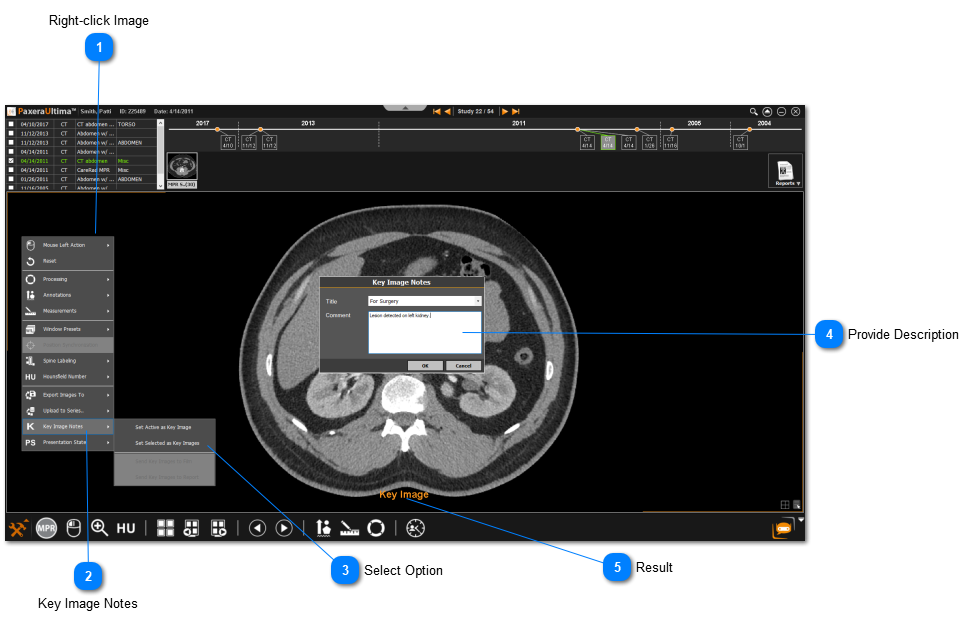
To create a new keynote, follow the instructions below:
 Right-click ImageRight-click on the image you want as your key image.
|
|
 Key Image NotesClick on Key Image Notes from the menu.
|
|
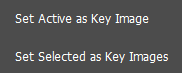
 Select OptionChoose how you would like to save your key image(s).
» Active image - will only save the active image as the key note, even if multiple images are selected.
» Selected images - will save all the selected images as key notes.
|
|
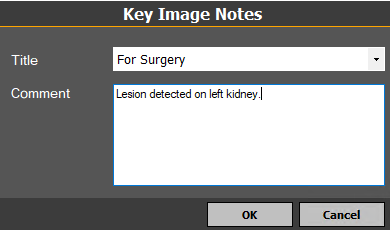
 Provide DescriptionSelect a title from the drop-down menu and type a comment for your key image.
|
|
 ResultThe key image will be labeled as a result.
|
|