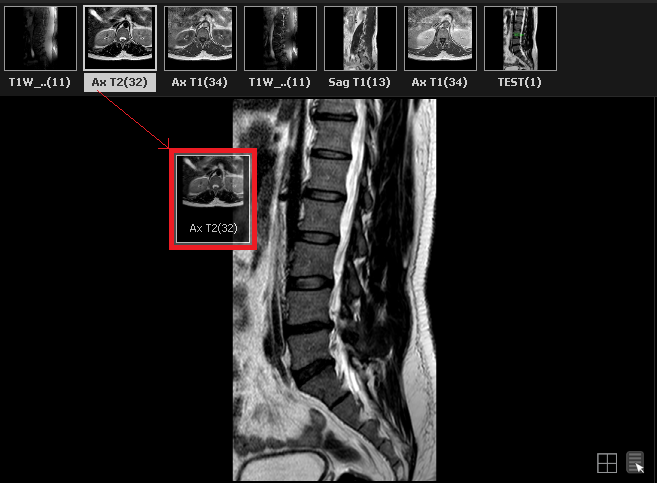
The series display panel shows all the series contained in the study and is located near the top of the screen of the Ultima viewer, as shown below:
» To display a series in one of the windows, the user must drag the series from the series panel into an image window as shown below:
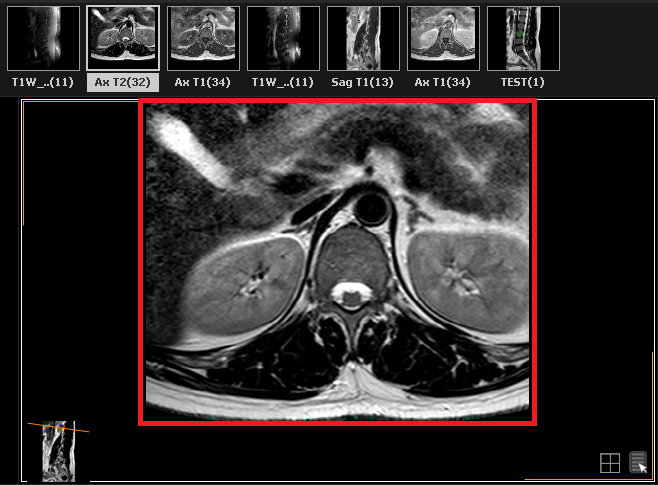
» The image window will now display the selected series:
» This process can be repeated in any of the image windows to change the series in view.