Ultima360
User guide
×
Menu
Index

6.2.0. Export Studies to CD or Directory

 
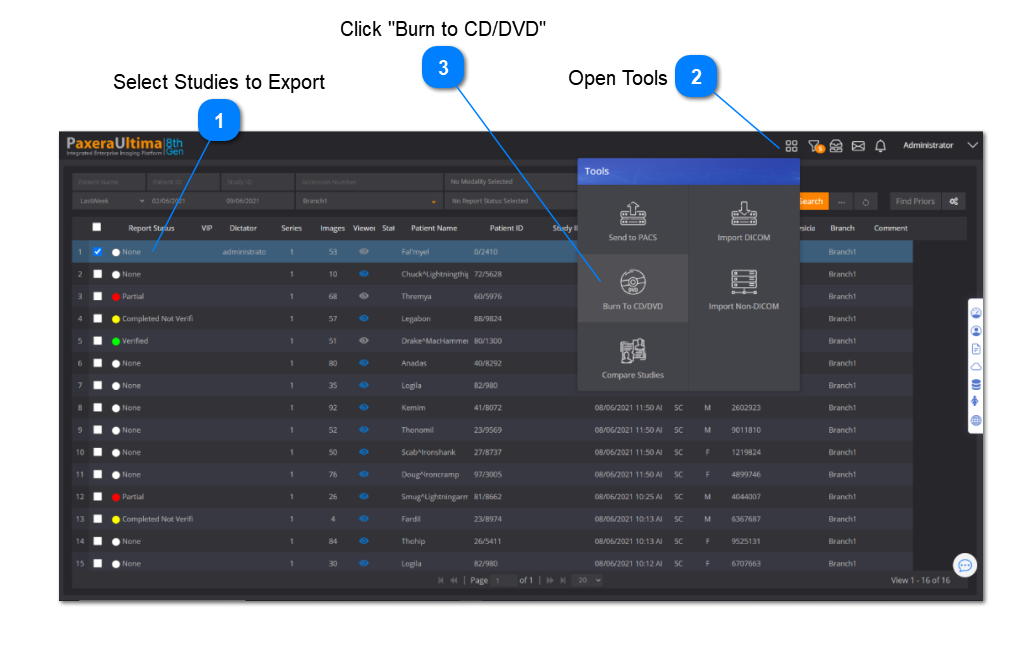
This feature enables the user to burn studies onto a CD/DVD and to export studies to a local directory. Simply follow the instructions below:
 
 
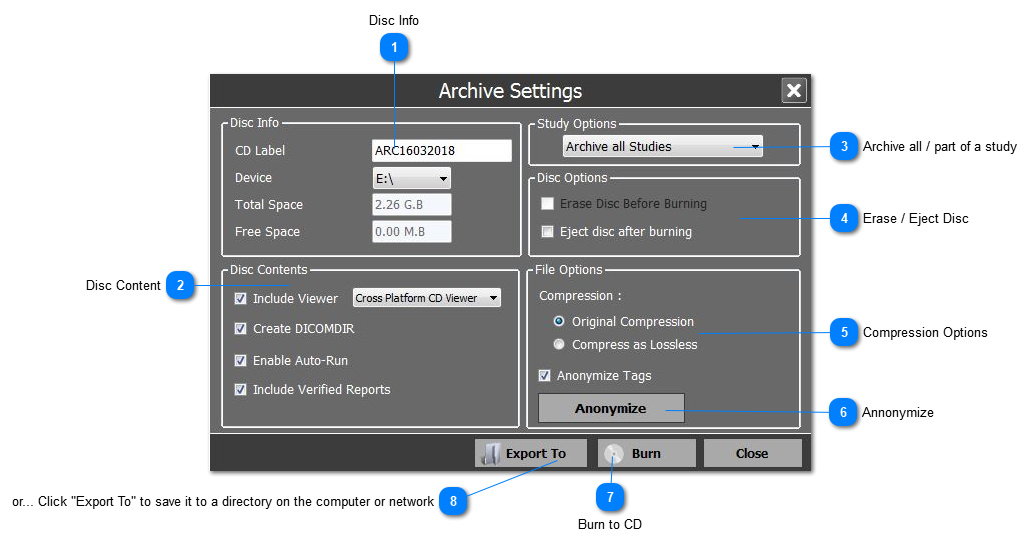
A new window will appear, an overview of the features is shown below:
 
6.2.0. Export Studies to CD or Directory
 
1
Disc Info
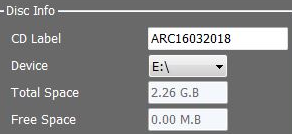
Type in the CD label and choose the directory of the CD/DVD drive.
1. Disc Info
The Total and Free space fields are used to see how much space you have on the disc.
 
2
Disc Content
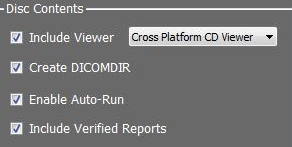
The disc content is all included by default.
2. Disc Content
  • Include Viewer - cross platform DICOM viewer written onto the CD so that the study can be viewed
  • Create DICOMDIR - in case the study is imported into another PACS, the study will contain all of the patient study information attached with the images.
  • Enable auto-run - enables the cross platform DICOM viewer to automatically install when the end-user puts the CD into their computer
  • Include verified reports - include any verified reports with the study.
3
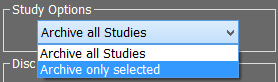
Archive all / part of a study
3. Archive all / part of a study
 
If you want to exclude certain  series from being written to the CD / directory, then use the drop-down list and select: "Archive only selected"
 
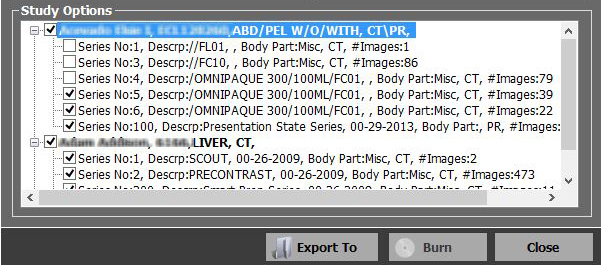
A new section of the window will appear with a list of all the studies and series, use the checkbox to unselect any series that are not of interest:
 
4
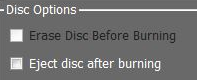
Erase / Eject Disc
Use checkbox if you want the disc to automatically eject from the computer after burning
4. Erase / Eject Disc
 
5
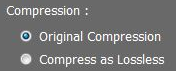
Compression Options
Choose compression type: either original compression or compress as lossless.
5. Compression Options
 
6
Annonymize
6. Annonymize
<TODO>: Insert description text here...
7
Burn to CD
Once you have selected all the options you want, click on the "Burn" button to start writting the CD
7. Burn to CD
 
8
or... Click "Export To" to save it to a directory on the computer or network
8. or... Click "Export To" to save it to a directory on the computer or network
 
   Distributing media with real patient data from multiple patients is not recommended. Be careful to ensure that media is only distributed to appropriate parties