Ultima User Guide (c) Copyright by PaxeraHealth Corp. 2021
2.1.1. First Time Signing In
The first time you login to your account, you will be prompt to answer a security question, set a password;, and install the Ultima Plugin. To do so, follow the instructions below:
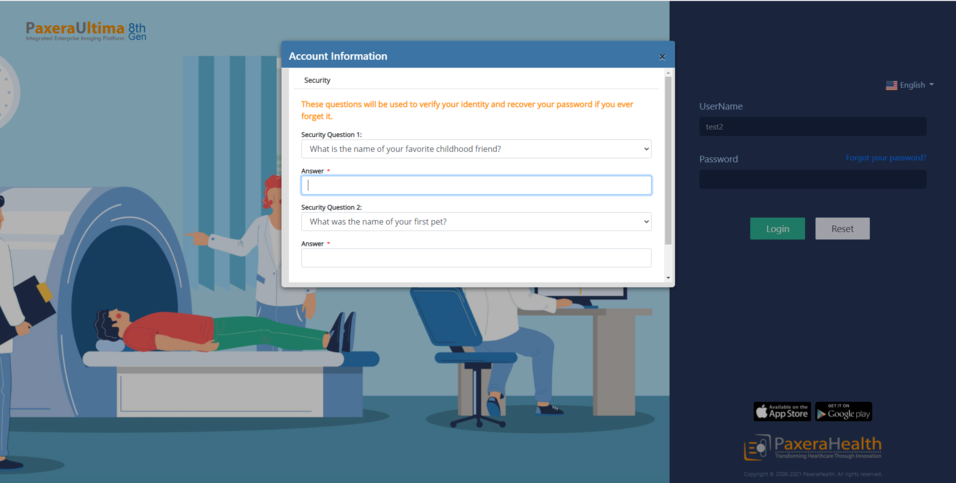
1) Security Question
A window will appear where the user will be prompted to select two Security Questions & Answers
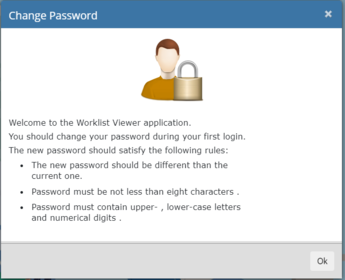
2) Set Password
A new window will appear that explains the rules of the new password to be set, read these rules and and press ‘Ok’
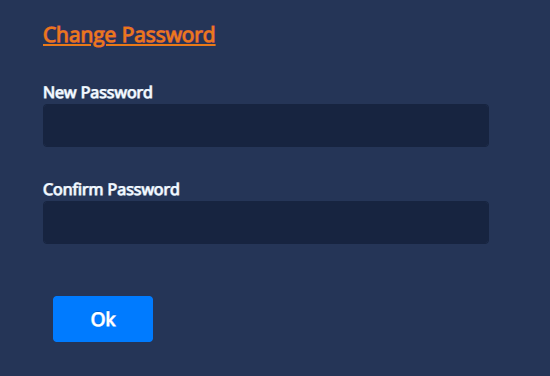
3) New Password
Type in a password into both spaces and press ‘OK’
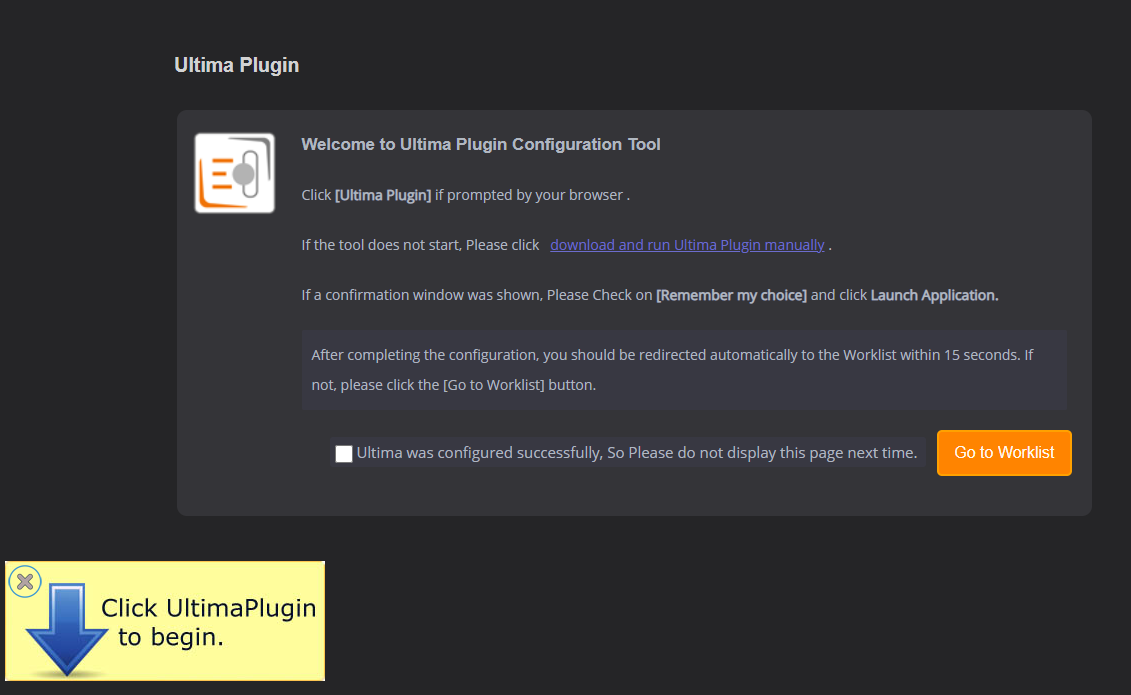
4) Install Ultima Plugin
The user will now be taken to another screen and the Ultima Plugin File will start to download.
Double click on the Ultima- Plugin.exe file in the bottom left corner of the screen and it will install automatically.
Check the checkbox if the plugin installs successfully, so that the configuration page does not show next time
If you have been not redirected to the WorkList within 15 seconds, simply click on the ‘Go To WorkList’ button.