20.1.3.2. Using Share Link for Patients
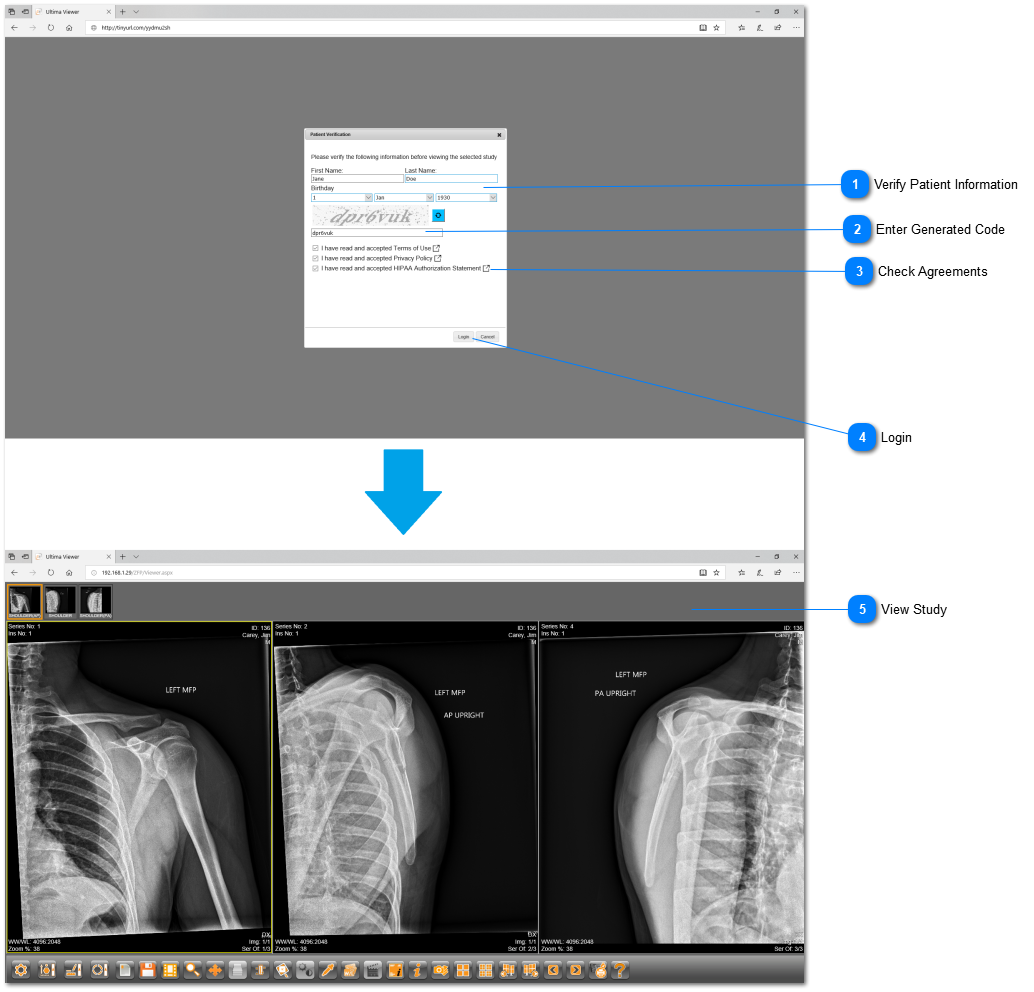
 Verify Patient InformationPatient must type in the correct full name and date-of-birth in the fields provided.
|
|
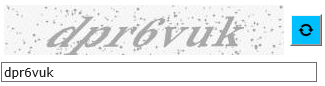
 Enter Generated CodePatient must enter the correct generated code exactly how it appears.
|
|
 Check Agreements Patient must check off all agreements before logging in. Click on the  button to view the document. button to view the document.
|
|
 LoginClick on "Login" to open the study.
|
|
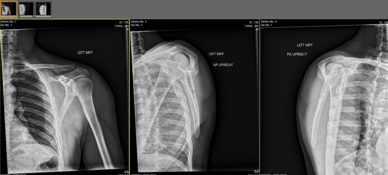
 View Study-
 Click on this icon to view the report (if available). Click on this icon to view the report (if available). -
 Click on this icon to download the DICOM file. Click on this icon to download the DICOM file.
|
|