20.1.3.1. Create Share Links for Patients
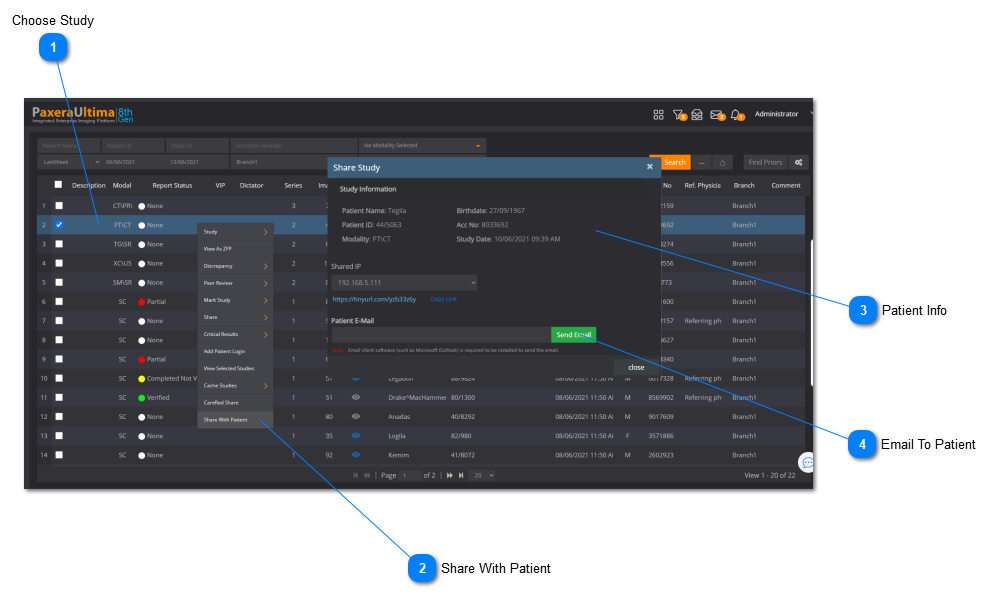
 Choose StudyChoose study to send to patient.
|
|
 Share With PatientRight-click on study > Study > Share with Patient.
|
|
 Patient InfoEnter patient's email address. Make sure the patient has a valid birthdate on file.
|
|
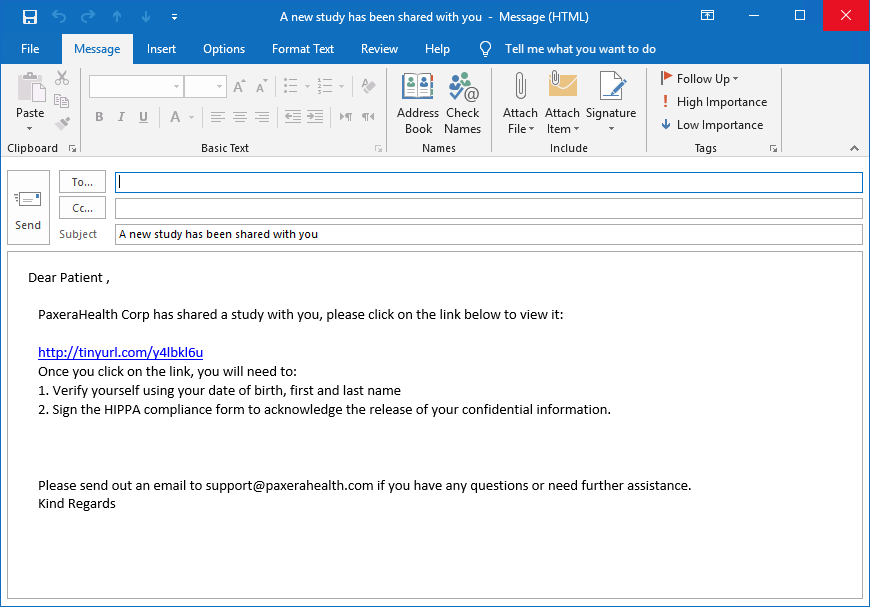
 Email To PatientClick on "Send Email" when you are done. This will launch the default email application on your computer with a premade customizable template.
|
|
Sample Email Template