17.2.5.7. Brightness/Contrast
To change the brightness and contrast, follow the instructions below:
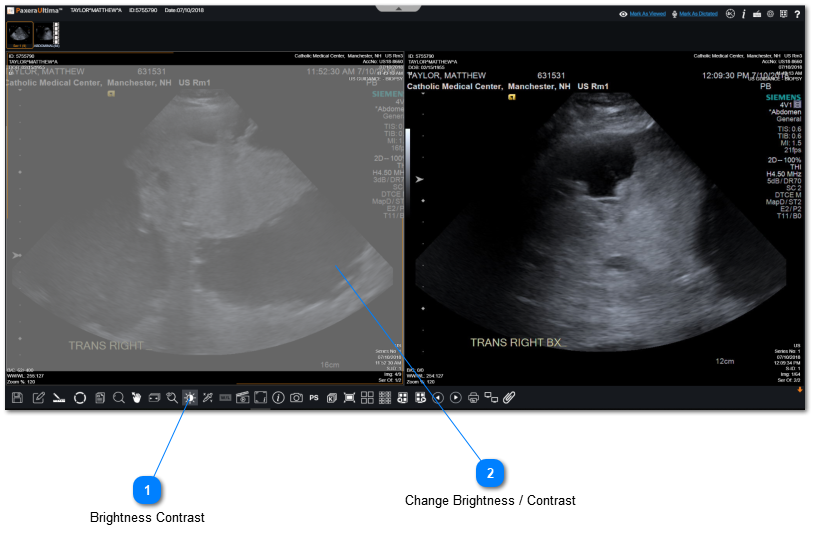
 Brightness ContrastClick on "Brightness Contrast" from the bottom toolbar.
|
|
 Change Brightness / ContrastHold down your left-click on your mouse on the image and move your mouse let / right for contrast change and up / down for brightness change.
|
|