Ultima360
User guide
×
Menu
Index

17.2.1.2 Settings

 
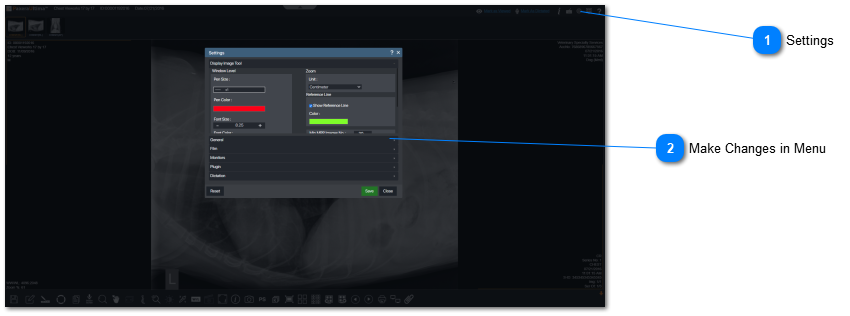
The user can customize the viewer such as changes in annotations/measurements (color, size, units) and what is to be displayed (thumbnail, timeline, study information), as welll as print settings. All can be done within the settings menu. Follow the instructions below to access the settings menu:
17.2.1.2 Settings
1

Settings

Select "Settings" from the preferences menu.
2

Make Changes in Menu

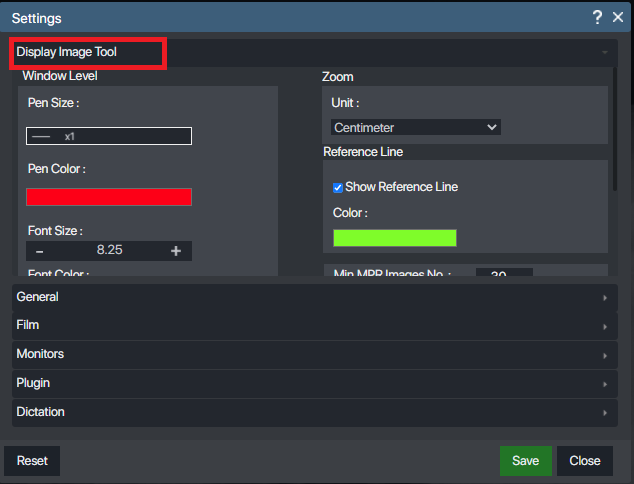
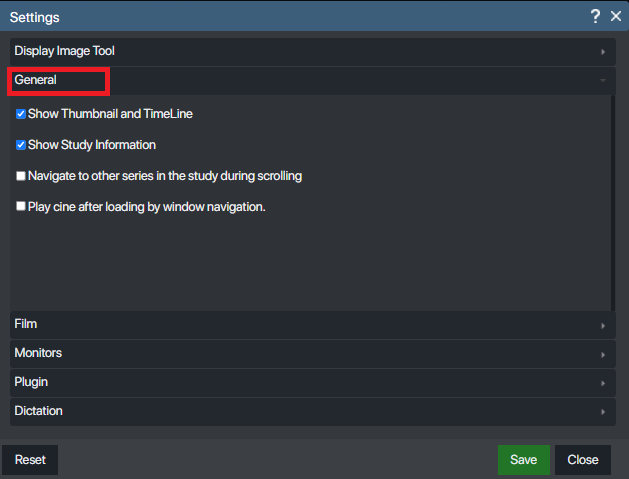
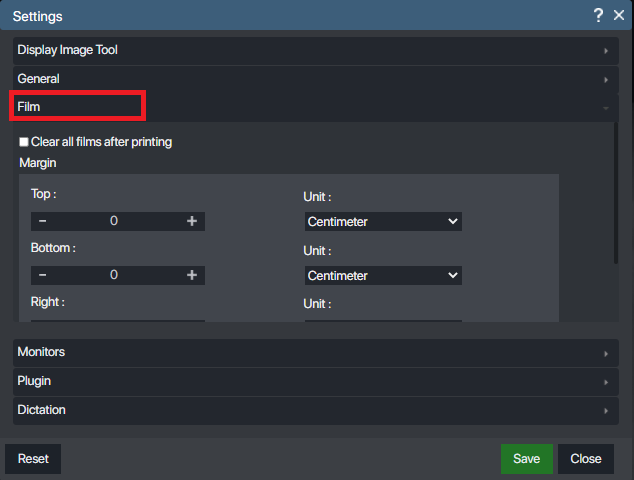
There are three sections to view when making changes to your settings: Display Image Tool, General, Film.
 
Change settings for annotations, measurements, reference lines:
 
Change settings for thumbnail, timeline, study information, and navigation:
 
Change settings for printing film:
 
 
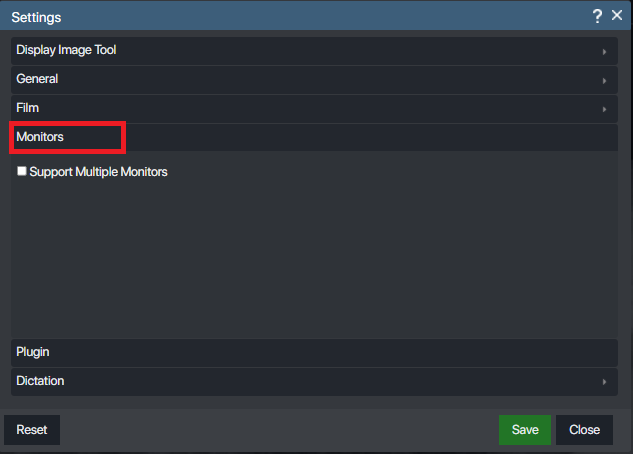
Change setting for multi Monitor
 
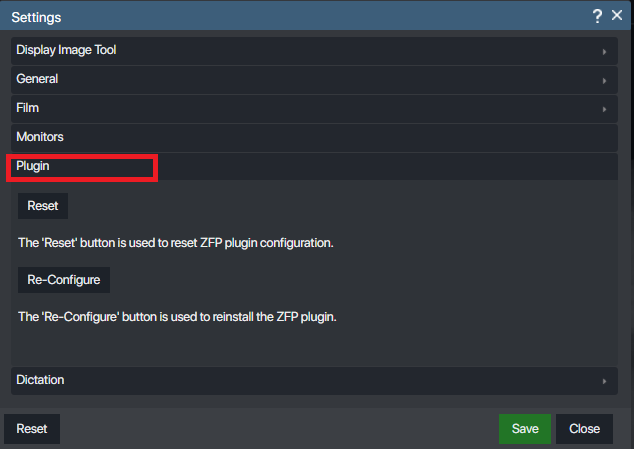
Change Setting fotr plugin
 
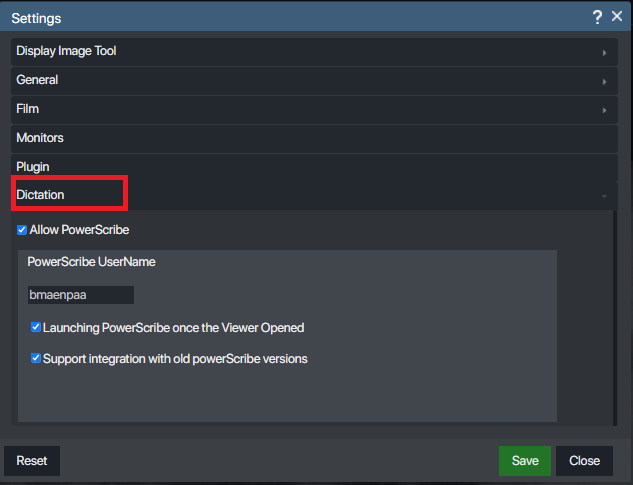
Change setting for dictation