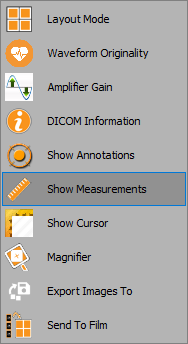
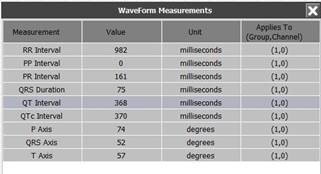
The measurements tool enables the user to view the key measurements of the waveform. Follow the instructions below to learn how to use this:
1. Right click anywhere on the waveform window
2. From the dropdown list, select ‘Show measurements’
3. The measurements window will appear, as shown below: